Hear more in your music.
Radio that follows how your songs sound, and playback tuned to your ears and your headphones.
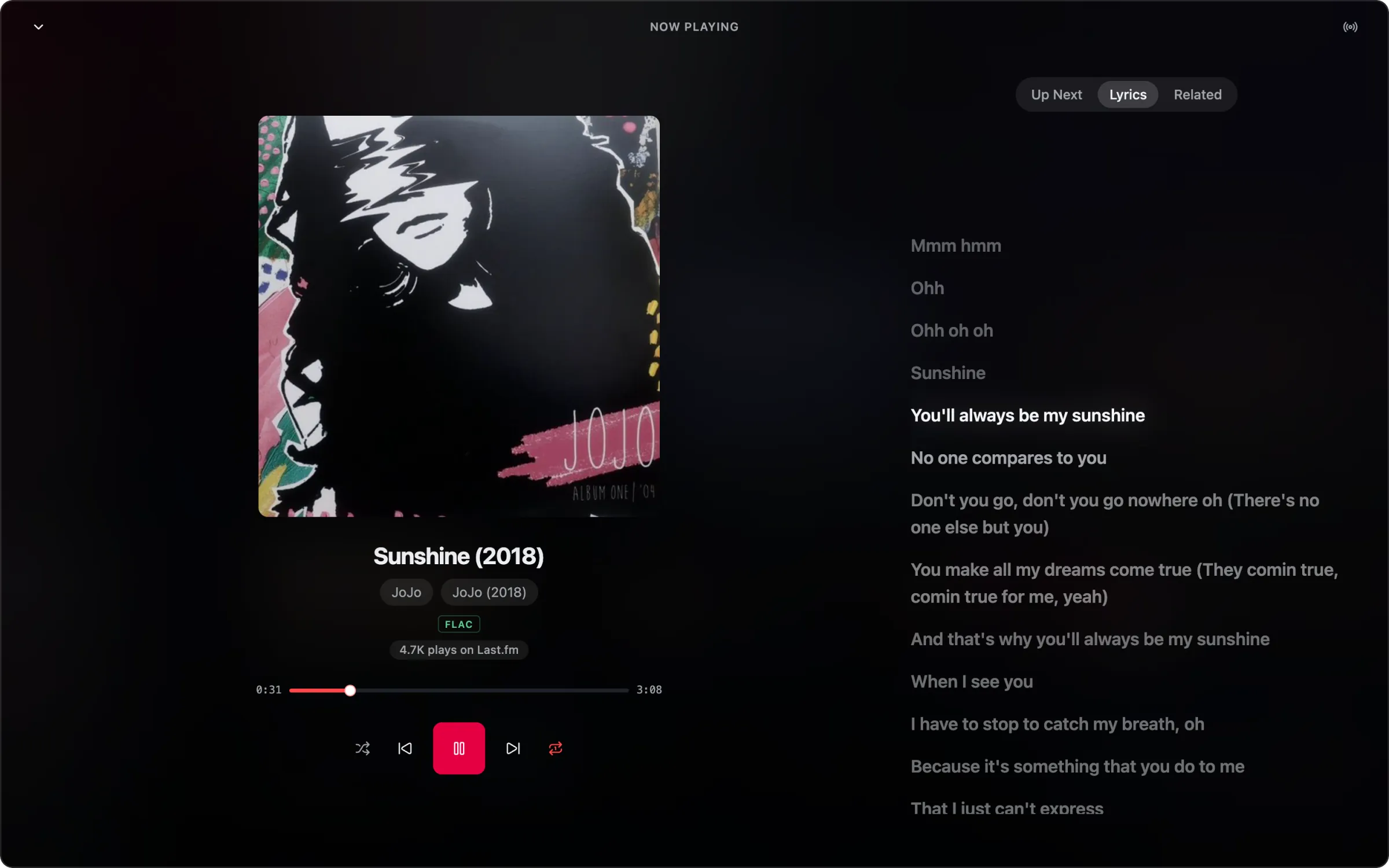
Radio from the sound itself.
Songstress listens to your library, so a station follows how songs sound, not what is popular this week.
Start a station from a song, an album, an artist or a playlist. Each next song sounds close to the one before.
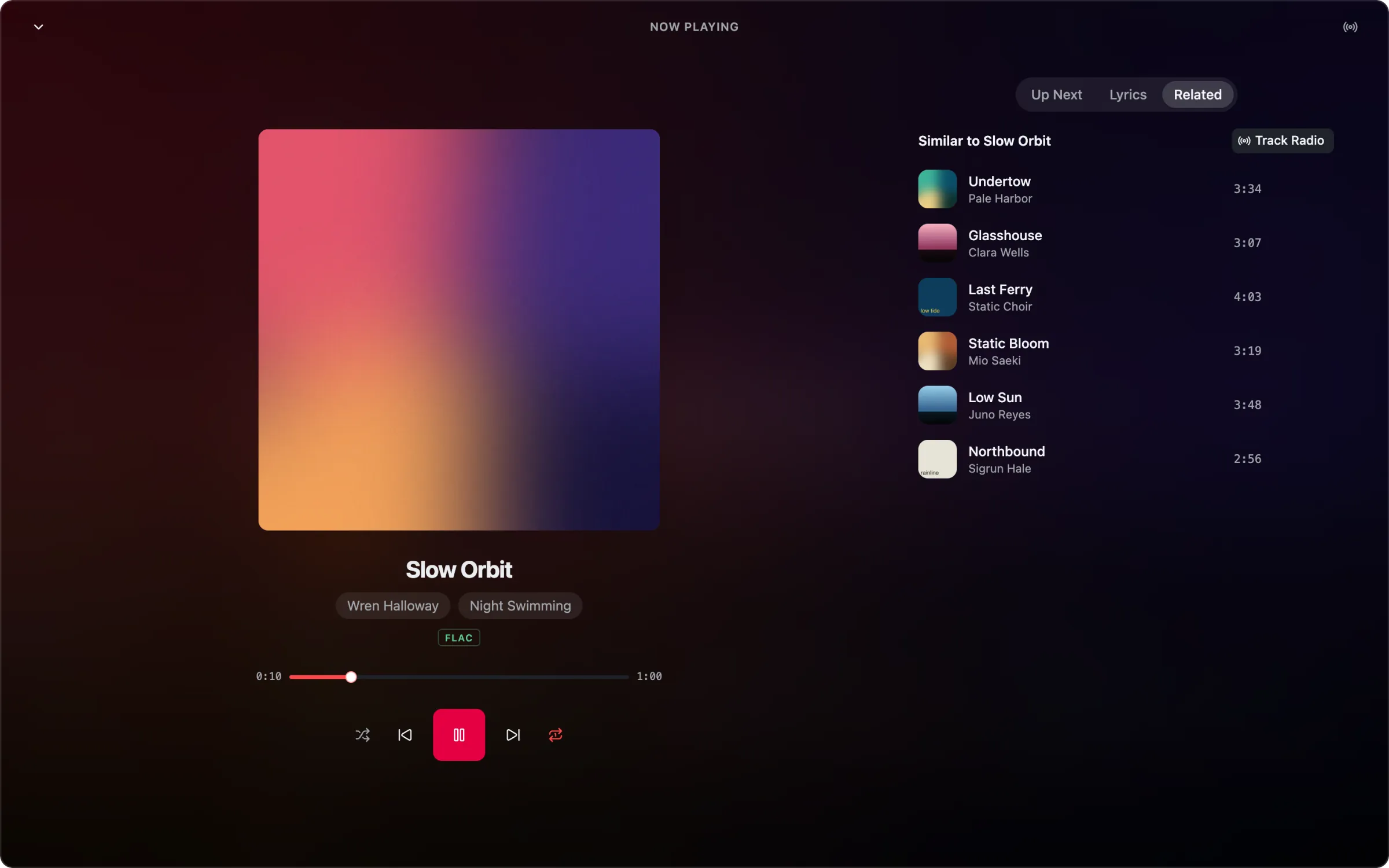
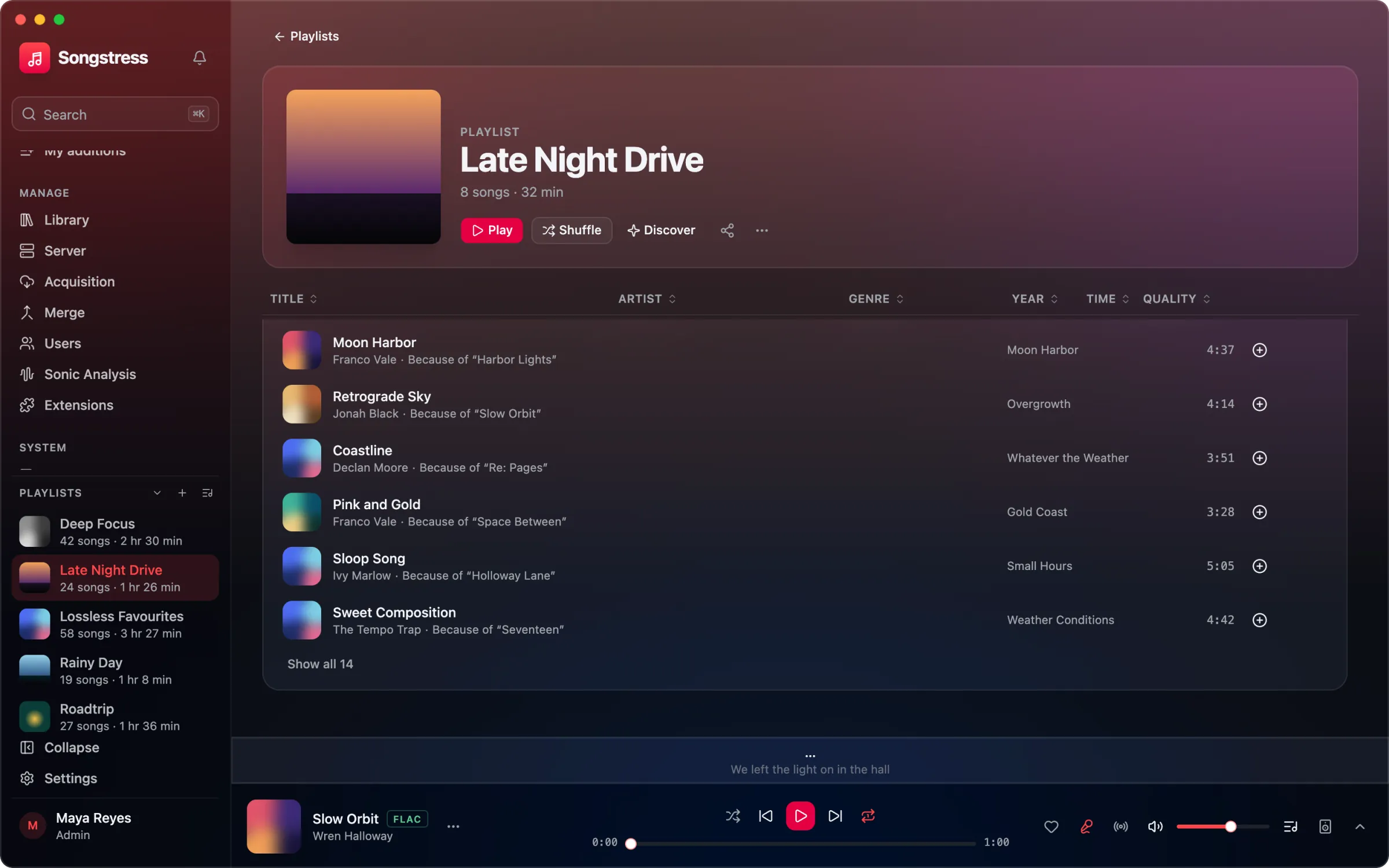
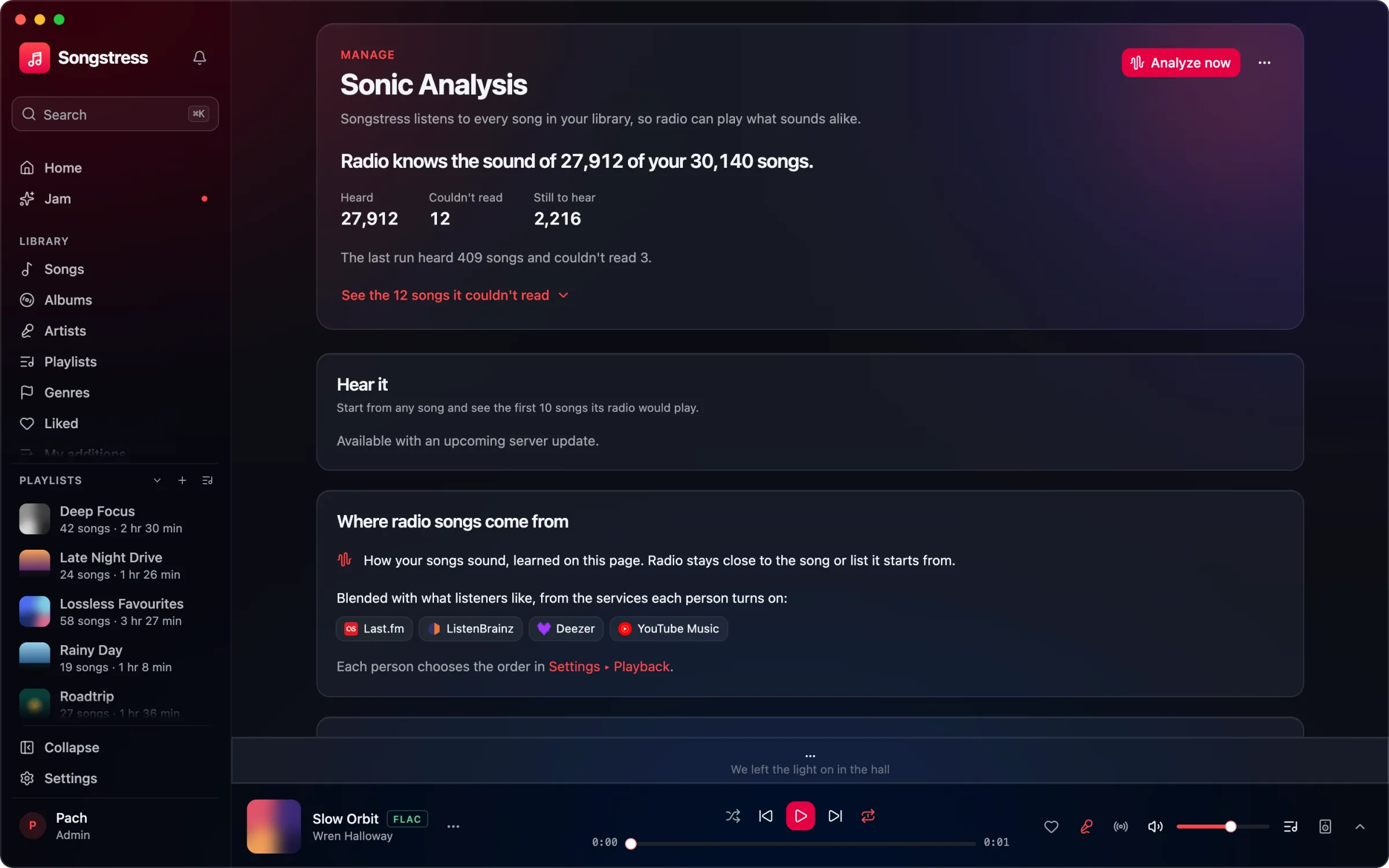
Songs that belong together.
- Your Sound
- A playlist for each listener, made from the sound of what they play most.
- Sound-alike playlists
- Songs that sound alike, gathered from across the whole library into playlists of their own.
- A path between two songs
- Start at one song and end at another. Every step on the way sounds close to the last.
One loudness, your choice.
Volume leveling plays every song at about the same volume, so none comes in louder or quieter than the one before. It is on from the start.
Stream the original files at home, FLAC included. Away, Auto picks the best stream your connection can carry, and a badge always says what you are hearing.
FLAC 24/96−14LUFS, the target
Normal plays about as loud as most streaming apps.
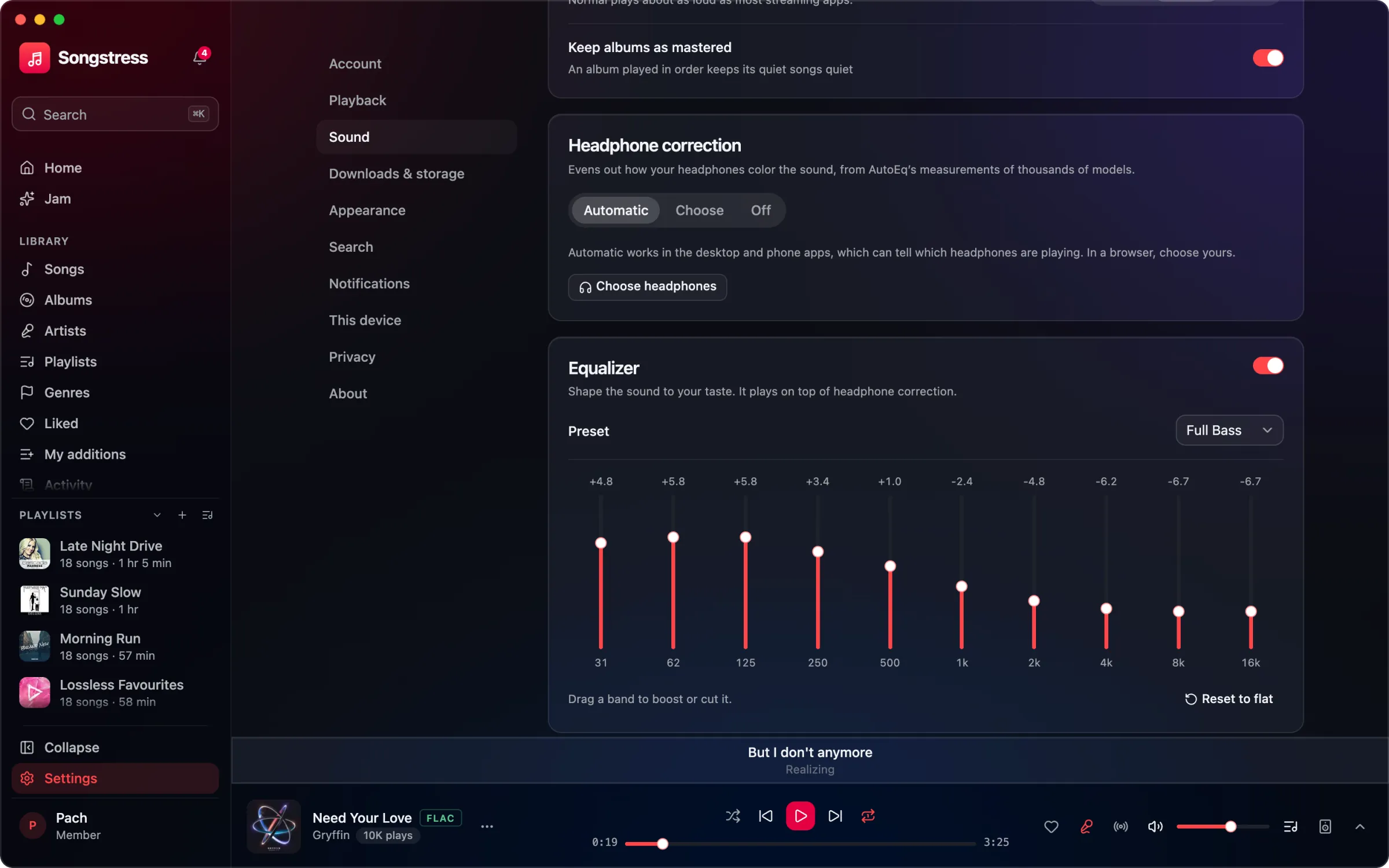
Keep albums as mastered. An album played in order keeps its quiet songs quiet.
Tuned to your headphones.
Headphone correction is automatic: Songstress tunes each output to the headphones on it, from AutoEq profiles for thousands of models. Prefer one curve everywhere? Choose it, and shape the rest with a 10-band equalizer.