Themes
Pick light or dark, and new looks from extensions.
Choose light or dark
- On the web and desktop, go to Settings ▸ Appearance ▸ Theme and choose Dark, Light or Match system. Songstress opens dark until you choose.
- On iPhone and iPad, go to Settings ▸ Appearance ▸ Theme and choose System, Dark or Light.
- On Android, Songstress always uses its dark look.
Choose a look
On the web and desktop, Dark look and Light look each start with Songstress's own, and list the themes your server has, from extensions. Pick one for each: Songstress uses the dark one whenever it looks dark, and the light one whenever it looks light.
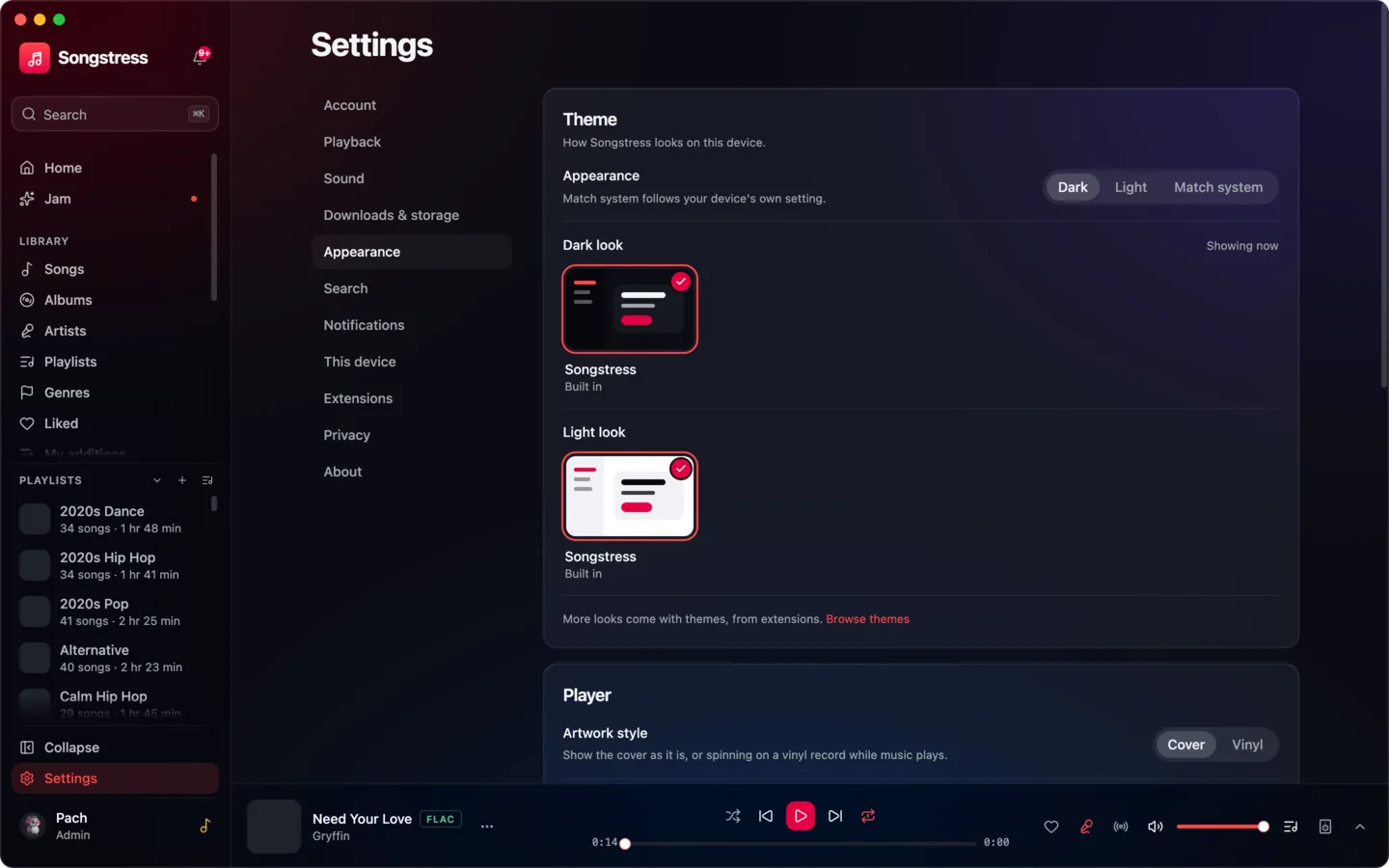
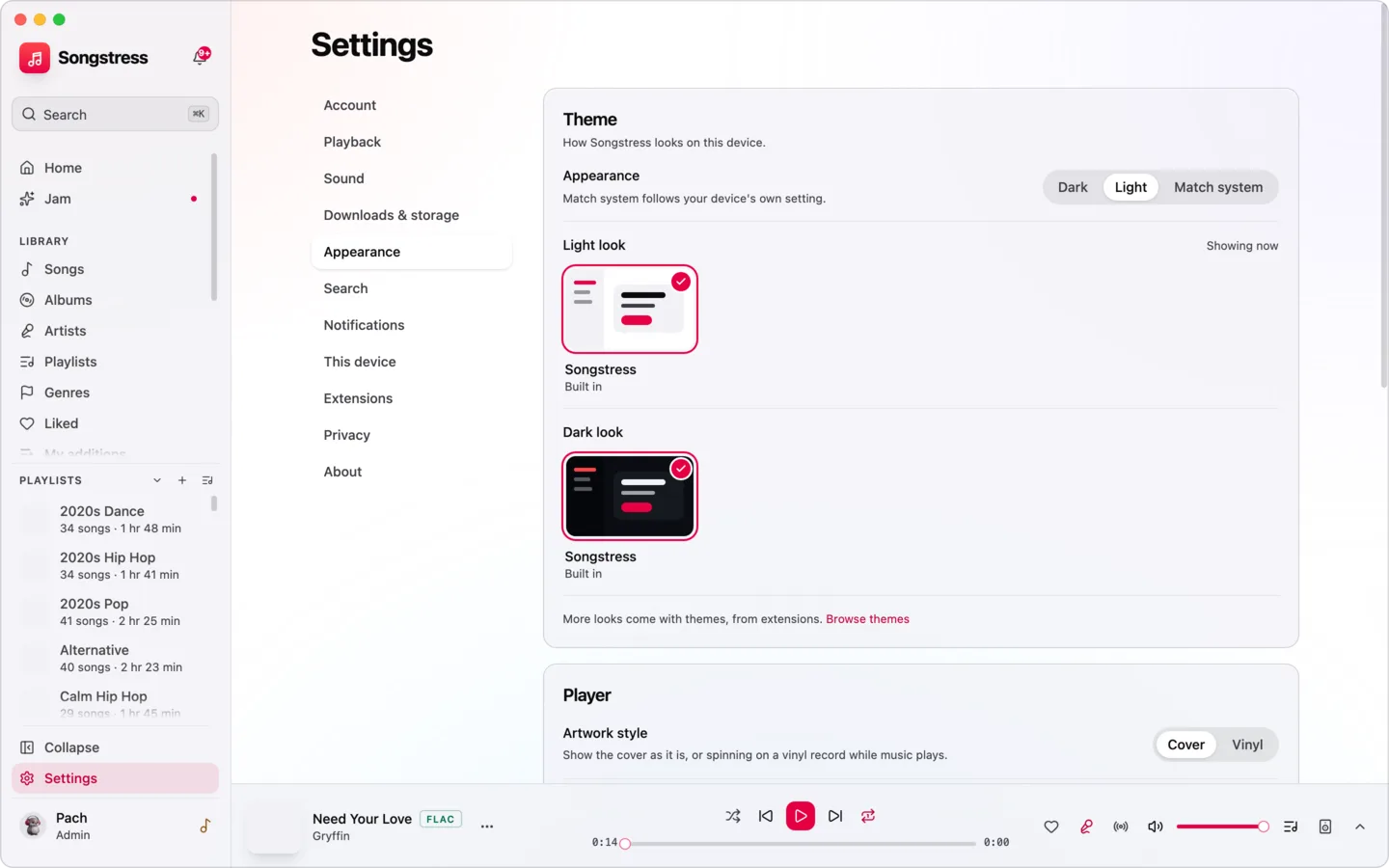
A theme Songstress can't show safely is marked Can't show here.
Add more looks
Themes come with extensions, which an admin installs. If your server has none yet:
- Admins see Browse themes, which opens the extension directory.
- Members can ask their admin to add one.
Themes from extensions show in the web and desktop apps.
To make a theme, see Build your own.