Songstress documentation
Run Songstress on your own server, get the apps, and listen with everyone you invite.
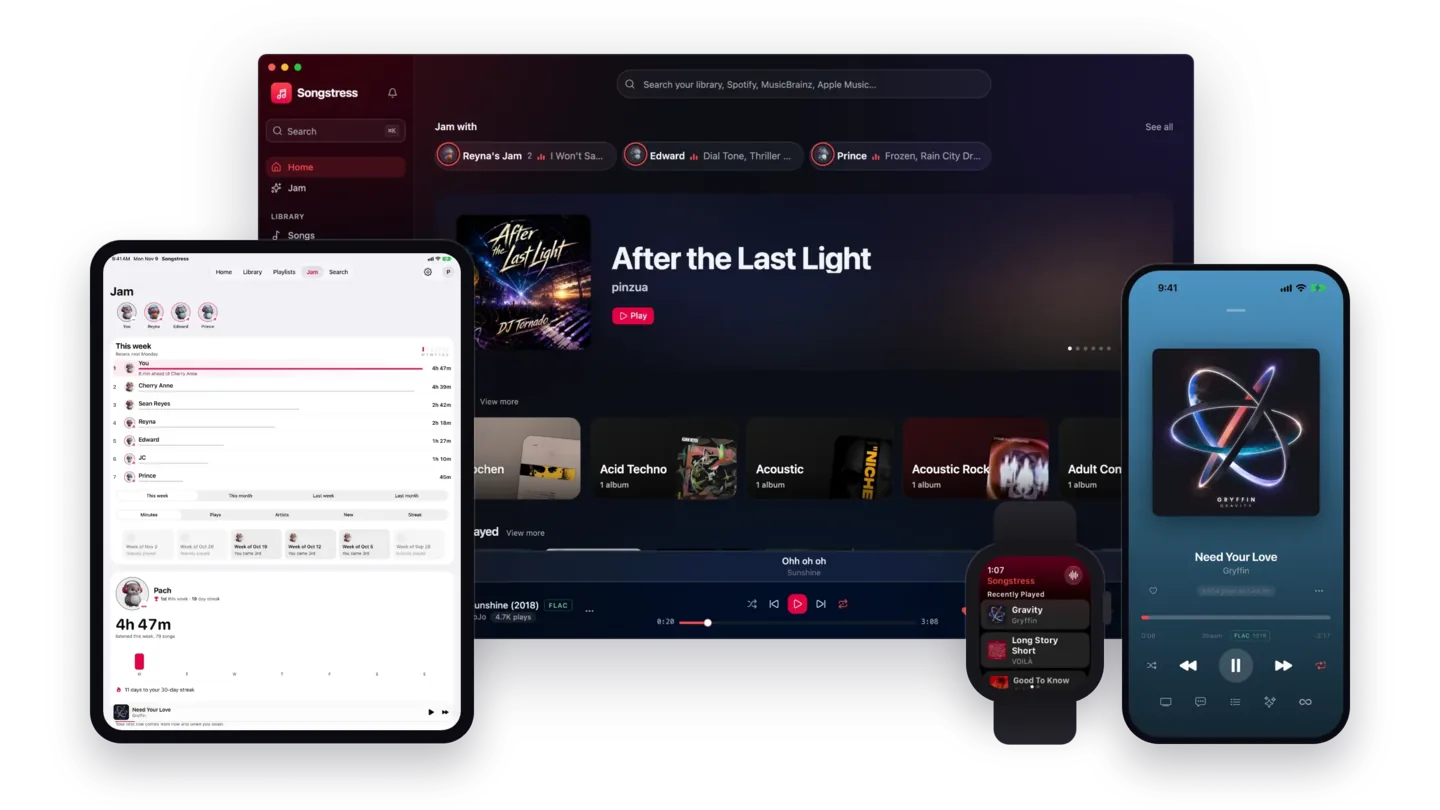
Songstress turns the music you own into your own streaming service, on a server you run at home. One player follows you on the web, the desktop, iPhone, iPad, Android and Apple Watch, for you and everyone you invite.
Start here
- Check what you need: a machine that stays on, Docker, and your music in a folder.
- Install with Docker Compose: one compose file, a short
.envand one command. - Set up your server: create the admin account and name your server.
- Invite people, then sign in from the apps.
Everything else
- Apps. The web, Mac, Windows and Linux, iPhone and iPad, Android, Apple Watch and the car.
- Listening. Your library, search, the queue, radio, playlists, offline and sound.
- Together. Jam, share links, Wrapped and your stats.
- Extensions. Add music sources, themes and more, and build your own.
- Supporters. What a one-time gift gives.
- Administration. People, the library, Acquisition, streaming, addresses, updates and backups.
- Reference. Every setting, port and compose file, and fixes for common problems.