Invite people
Invite each person yourself, then send them the link that lets them set a password.
Songstress is invite-only. You invite each person, and they choose their own password from a link you send.
Invite someone
- Go to Manage ▸ Users and select Invite someone.
- Enter their Email. Add a photo and a Display name if you like.
- Choose a Role: Member to listen, Admin to also run the server and its people.
- Select Invite.
- Copy the Invite link and send it to them. If your server can send email, they get it by email too.
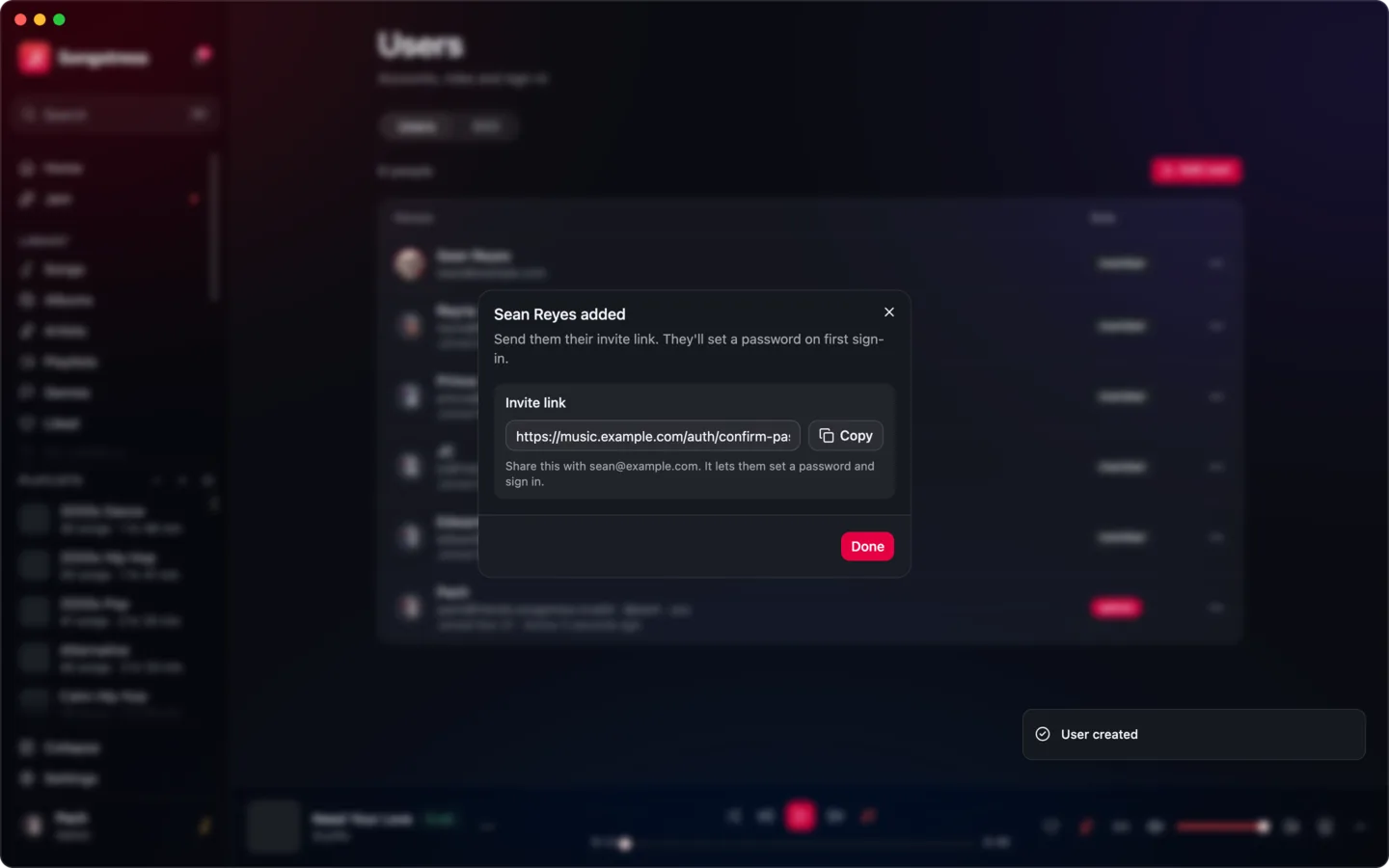
The link opens a page where they set their password. It works once, for 24 hours. Until they use it, their row says Invite not accepted yet.
Links that point nowhere
Invite links use your server's Public URL. If it isn't set, they point to localhost and won't open for anyone
else. Set it in Manage ▸ Server ▸ Access. See Reach your server from anywhere.
If the link expired
In the person's row menu, select Get password reset link. It makes a new link that works once, for 24 hours.
What they do next
They open the link, set a password, and sign in. Then they can get the apps and sign in on each device with the same email and password.
Next
- Users and roles: change roles, block or remove someone.
- Single sign-on: let people sign in with Google, Apple or another account.