Your library
Find your way around Home and your music, and keep the songs you love close.
On the web and desktop
The sidebar holds everything.
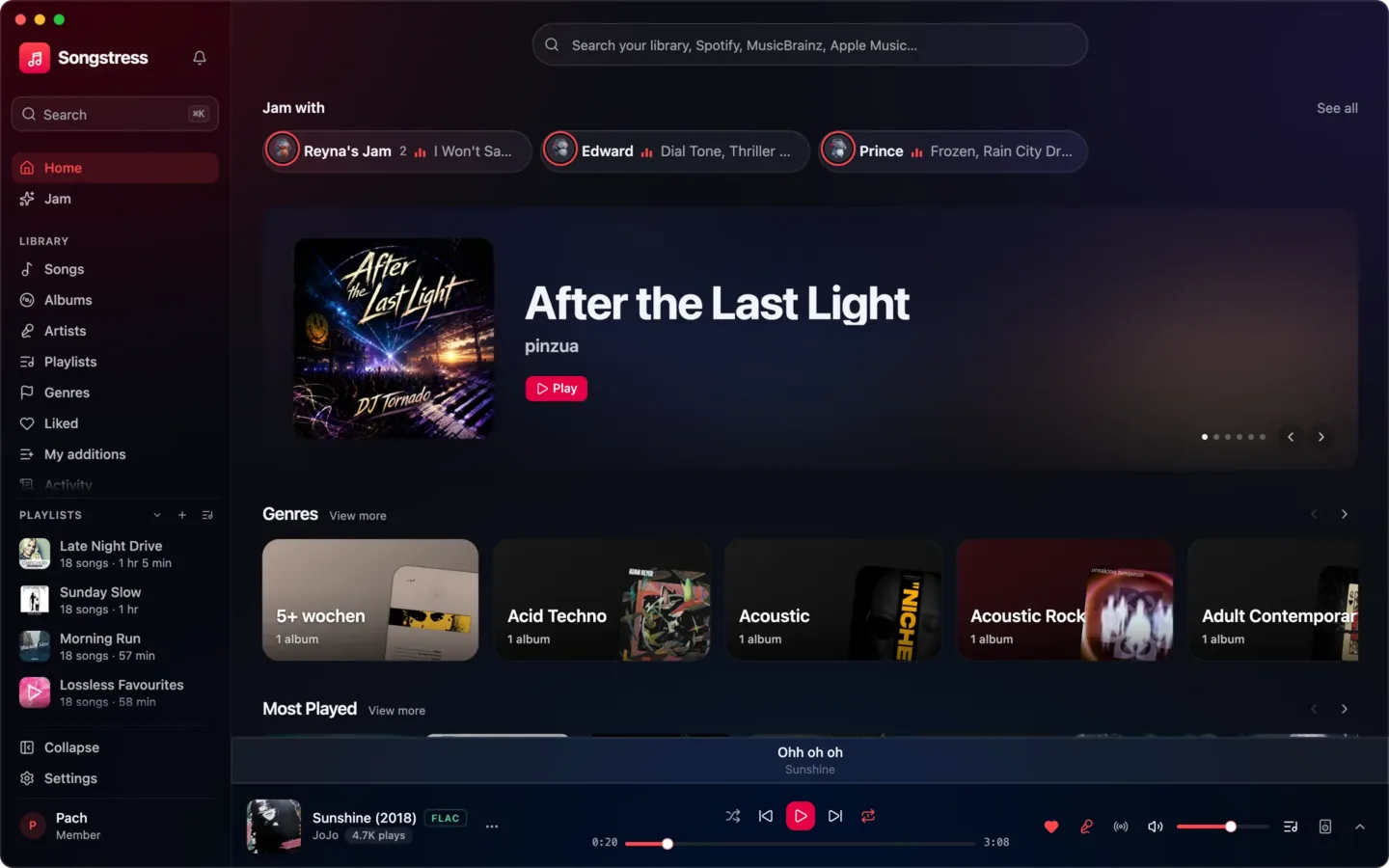
- Home greets you with shelves: Genres, Most Played, Newly Added, Explore From Your Library, Recently Played and Recently Released, with Jam and your latest Wrapped above them.
- Jam shows who is listening. See Jam.
- Library has Songs, Albums, Artists, Playlists, Genres, Liked and My additions. In the desktop app, Downloads too.
A few things worth knowing:
- Songs switches between a list of songs and your Folders, as they are on disk.
- Albums sorts by Newest, Recent, Frequent, name or Liked.
- Liked keeps what you liked. If you connected Spotify, its Spotify tab shows what you liked there.
- My additions lists the music you added to the library.
On iPhone, iPad and Android
The tabs at the bottom are Home, Library, Playlists, Jam and Search.
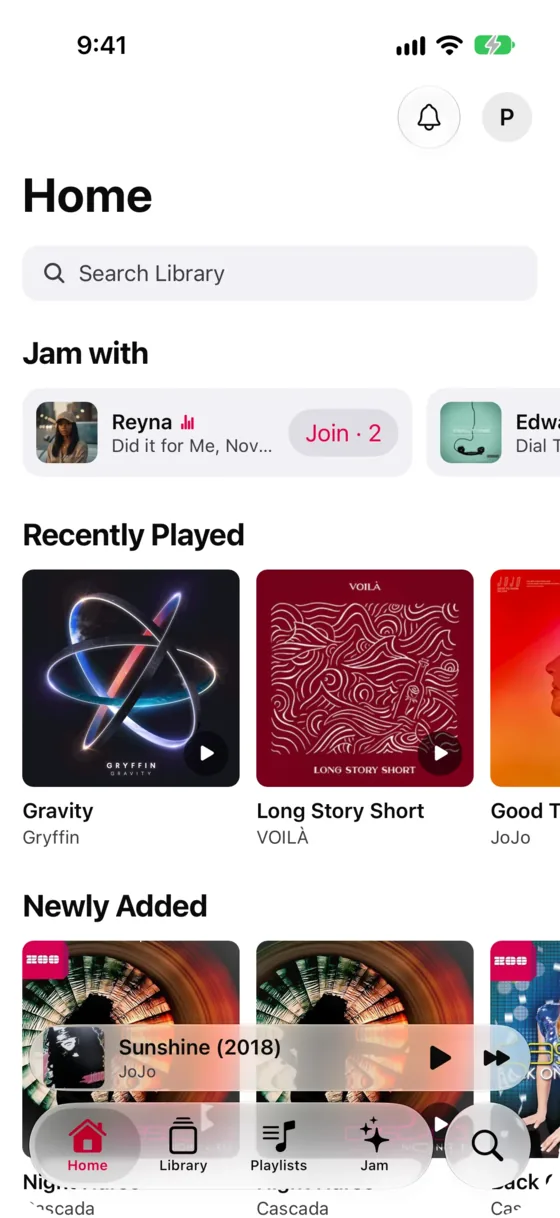
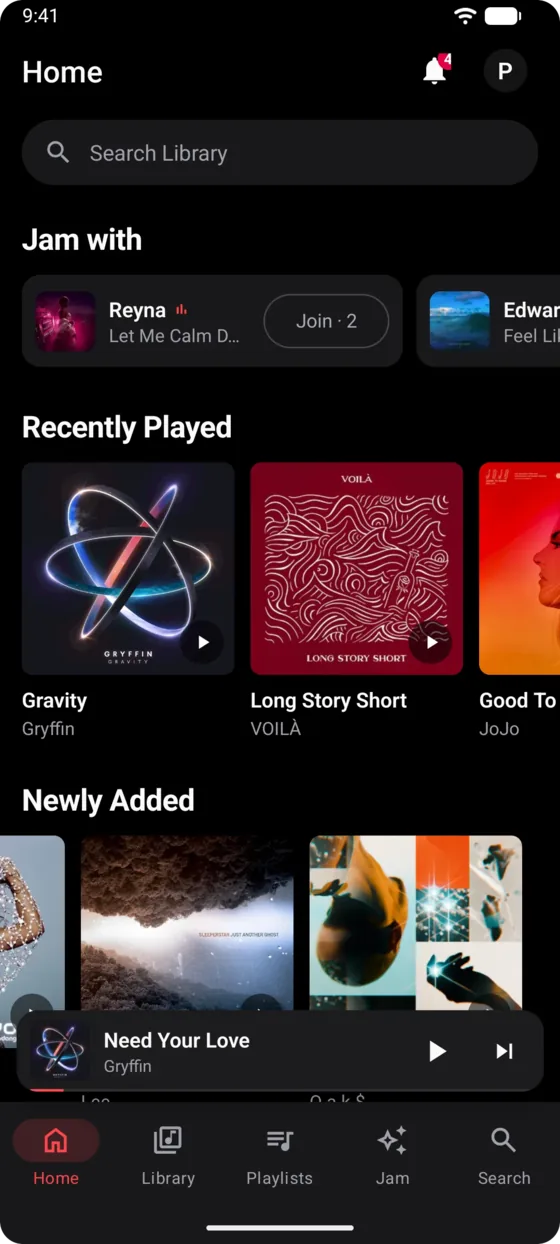
- Home has your pinned music, Recently Played, Newly Added, Liked Songs, Most Played, Explore From Your Library, genres and Recently Released.
- Library has Songs, Albums, Artists, Genres, Years (by decade), Liked and Downloaded, with Recently Added below them.
When the phone can't reach your server, Home shows the music you downloaded.
Keep what you love
- Like a song, an album or an artist with the heart. It joins Liked.
- Rate a song from one to five stars, from its menu. An album or an artist has its stars on its page.
- Pin music from its menu. On the phones, what you pin has its own shelf at the top of Home.
To show play counts and ratings in song lists, choose the columns in Settings ▸ Appearance ▸ Song list columns.