Equalizer, leveling and headphones
Even out loudness, correct your headphones, and shape the sound to your taste.
All three are in Settings ▸ Sound, on every app.
Volume leveling
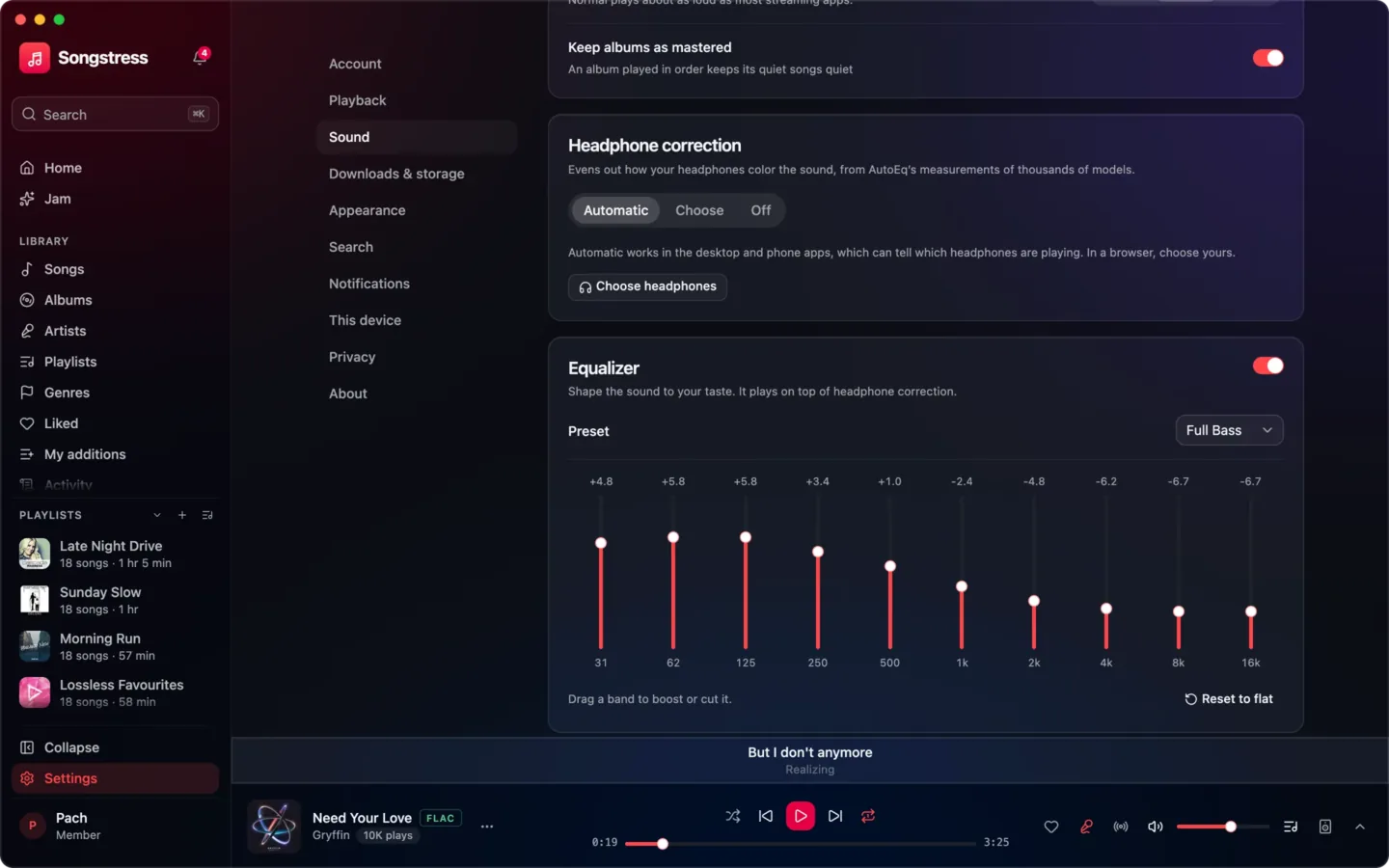
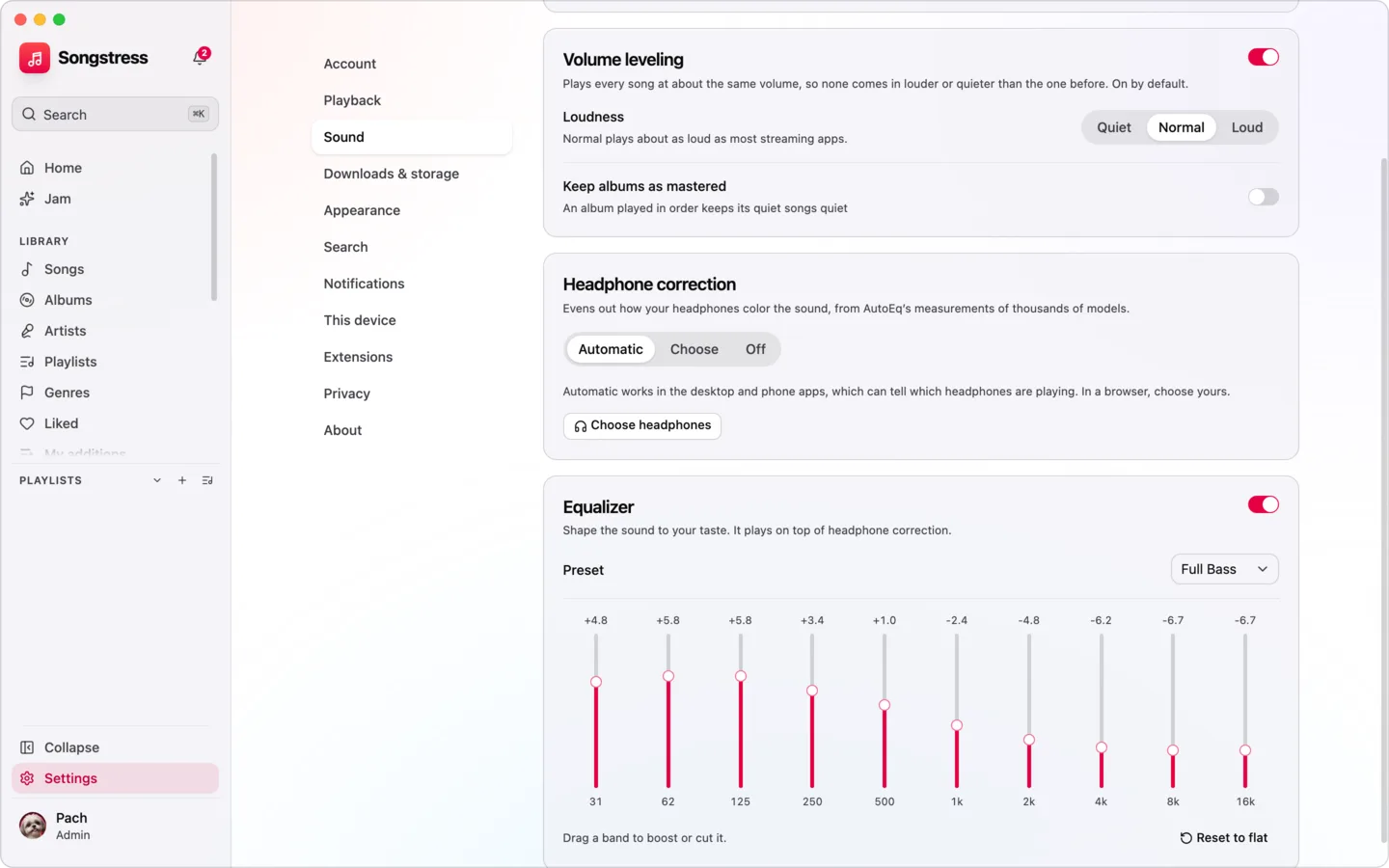
Volume leveling plays every song at the same loudness, so you never reach for the volume between songs. It is on until you turn it off.
- Loudness sets how loud: Quiet, Normal or Loud.
- Keep albums as mastered keeps an album's quiet songs quiet when you play the album in order.
Headphone correction
Headphone correction evens out how your headphones color the sound, from AutoEq's measurements of thousands of models.
- Automatic finds your headphones by itself. It works in the desktop and phone apps, which can tell which headphones are playing.
- Choose lets you pick your model yourself. Use it in a browser.
- Off turns it off.
Speakers, AirPlay, Cast and car audio are left as they are.
Equalizer
Turn on Equalizer to shape the sound with ten bands, from 31 Hz to 16 kHz. Start from a Preset, or drag the bands to make your own. Reset to flat starts again.
The equalizer plays on top of headphone correction, so you can use both.