Play on another device
Move what's playing to another of your devices, or use one device as the remote for another.
Every app you are signed in to is a device you can play on: your computer, your phone, the browser in the living room. They all share one queue.
On the web and desktop
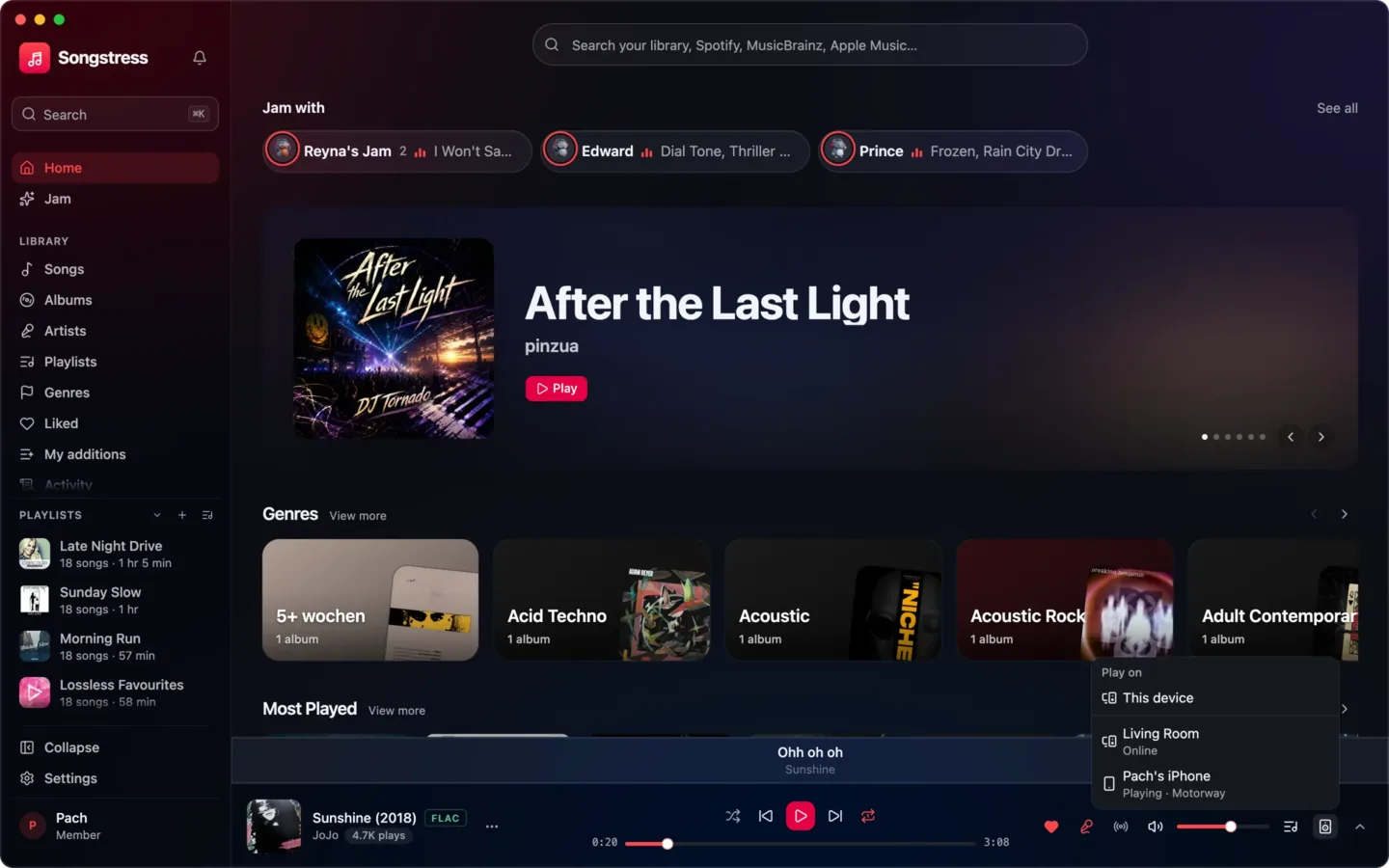
- In the player bar, select Devices.
- Under Play on, choose a device. This device brings the music back.
The list shows which devices are playing, paused or just online.
On the phones
- In the player, tap Devices.
- Choose a device under Available, or the speakers and headphones under Audio Output.
While another device plays, the player says Playing on with its name, and its buttons control that device. From a song's menu, Play on this device instead brings it back to the phone.
Hand off
Open the app on another device and pick up where you were. See Pick up where you left off.