Downloads and offline
Save music to your computer or phone, and listen with no connection.
Downloads are in the desktop and phone apps. A browser can't keep music for offline.
Save music
- Desktop. Choose Download for offline on a song or a playlist, or Download all on an album or an artist. The Downloads page in the sidebar shows what you saved.
- Phones. Choose Download on a song, or Download All on an album, a playlist or an artist. Library ▸ Downloaded shows what you saved.
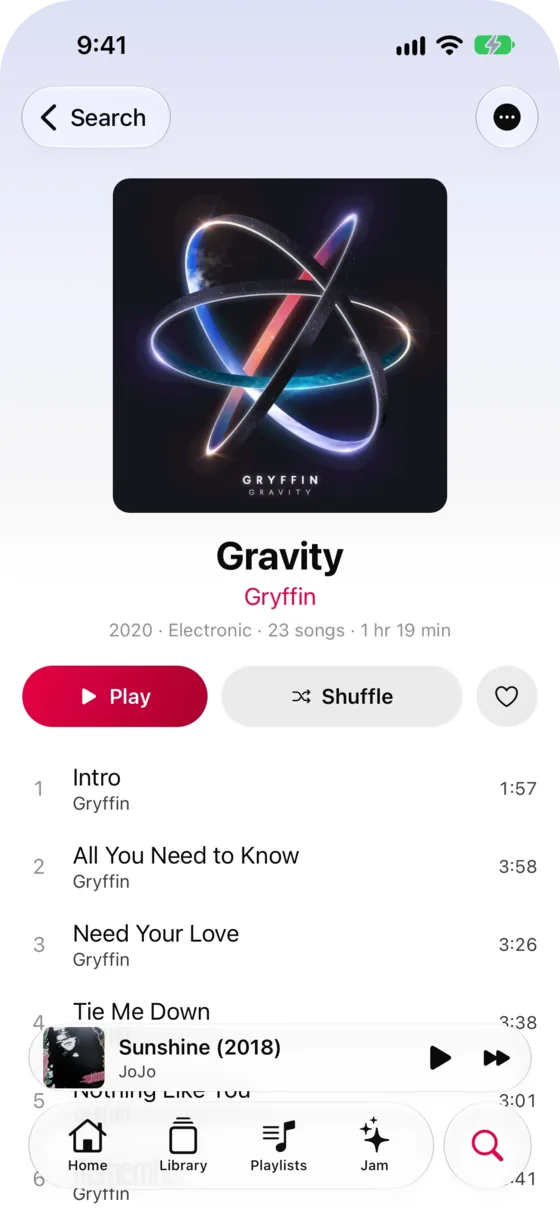
Downloaded songs play exactly as you saved them, with no connection at all. When a phone can't reach your server, Home shows your downloads.
Choose the quality
Downloads keep the original file unless you choose otherwise, in Settings ▸ Downloads & storage:
- Original saves the file as it is in your library.
- Transcoded (Transcode on the phones) saves a smaller copy, at the quality you pick in Save at.
Manage the space
In Settings ▸ Downloads & storage:
- Downloads at once sets how many save at the same time. The default is 3.
- Download upcoming songs keeps the next songs in your queue ready, so they play without a connection too. Songs ahead says how many, 10 by default.
- Space limit caps the space it uses, 5 GB by default.
On the phones you also get Downloads Queue, Download in the background and Clear Downloads.