Lyrics
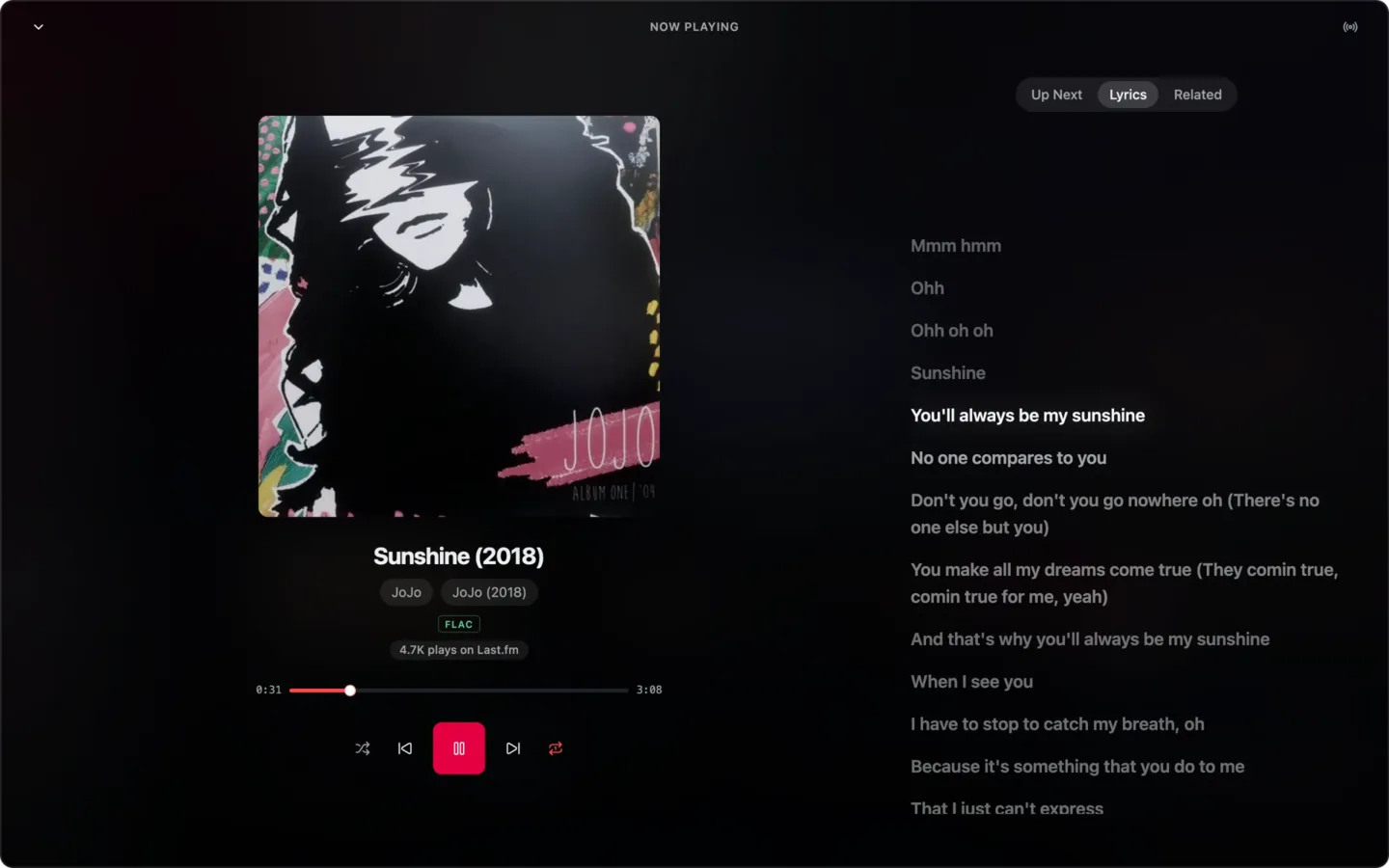
Lyrics that light up as they are sung, line by line and word by word.
Show the lyrics
- On the web and desktop, open the full-screen player and choose Lyrics. To see the line being sung above the player bar, turn on Lyrics in the player in Settings ▸ Playback.
- On the phones, tap the lyrics button in the player. It goes from off, to Lyrics over the artwork, to All lyrics.
The line being sung lights up. Select any line to jump to it. When the lyrics are timed word by word, each word lights as it is sung. Lyrics without timing show as plain text.
Where lyrics come from
- Your files. Lyrics written into a song's file, or a
.lrc,.ttmlor.txtfile beside it. - Lyrics providers. Your admin can turn on providers in Manage ▸ Acquisition ▸ Enrichment: Spotify, Apple Music, Musixmatch, LRCLIB and Amazon Music, and extensions that offer lyrics. The first synced lyrics found win.