Jam
See who on your server is listening, listen along in sync, and see how the week is going.
Jam is where the people on your server meet. It shows who is listening and what, the week's standings, and what everyone played lately. On the web and desktop it is Jam in the sidebar; on the phones, the Jam tab.
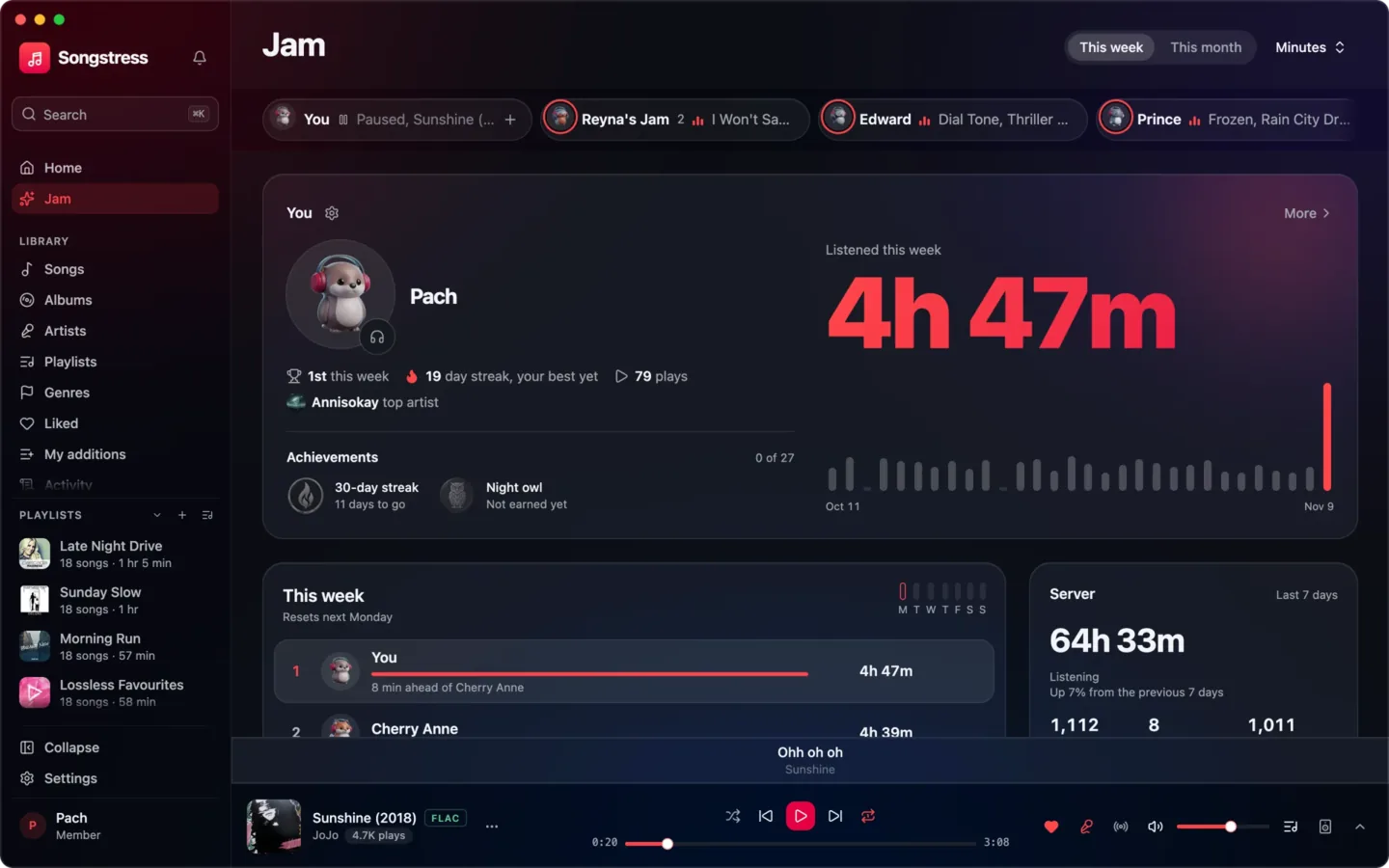
Share your listening
Nobody sees what you play, admins included, until you choose to share it. The first time you open Jam, it asks: Keep it private or Share my listening.
To change what you share later, open Jam settings ▸ Sharing:
- Show what I'm playing
- Show me in the standings
- Show my profile
- Include listening from before today
Listen privately for a while
Listen privately hides what you play for 1 hour, Until tomorrow or Until I turn it off. Nobody can ask to jam with you meanwhile, and your minutes still count in the standings.
Listen along
A Jam is people listening together, in sync, each on their own device. Anyone in it can control the music. Up to ten people can join.
- Select someone who is listening, then Ask to jam. If they are in a Jam already, it says Ask to join.
- They get your request and choose Accept or Not now.
- Once they accept, you hear what they play, in sync, and you can both control it.
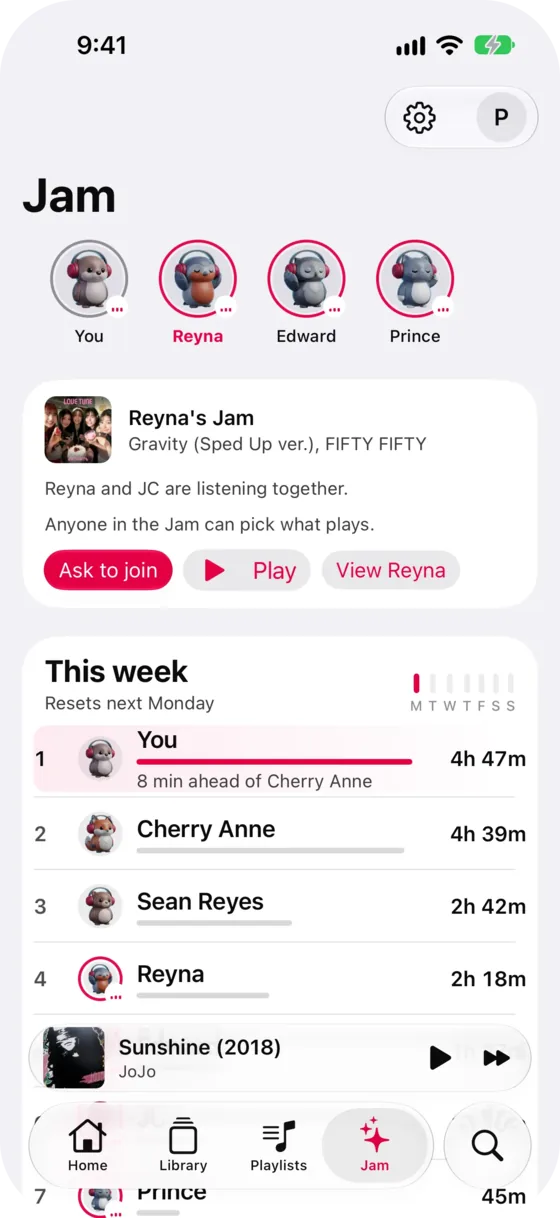
To start your own, select your own picture, then Start a Jam, and invite people from the list. Requests last three minutes. To leave, choose Leave Jam from the settings menu.
You can only ask people who share their listening, aren't listening privately, and haven't blocked you.
To talk while you listen, see Talk in a Jam.
The standings
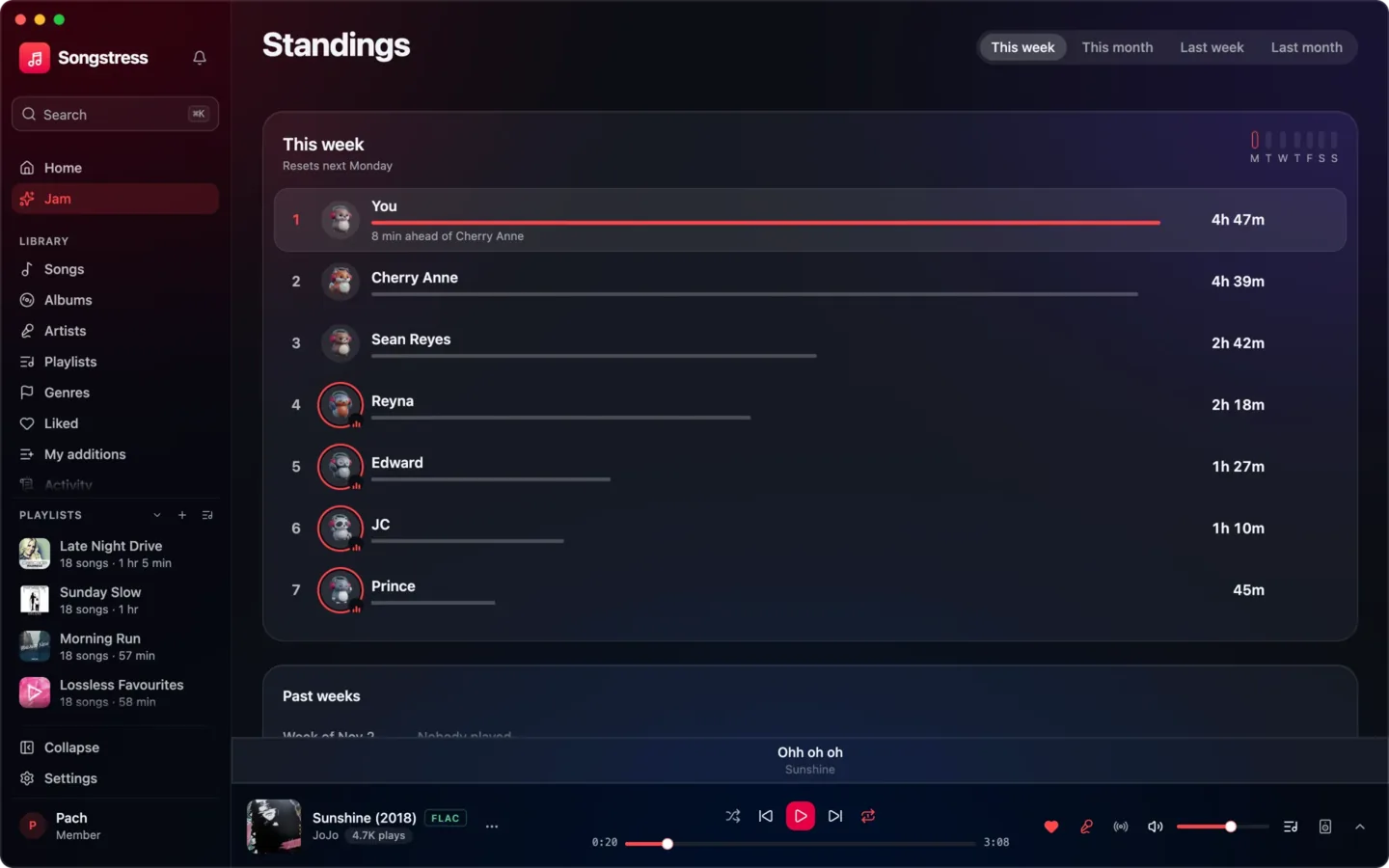
The week's race ranks everyone who shares, by Minutes, Plays, Artists, New artists or Streak. Past weeks shows earlier weeks and months.
Lately
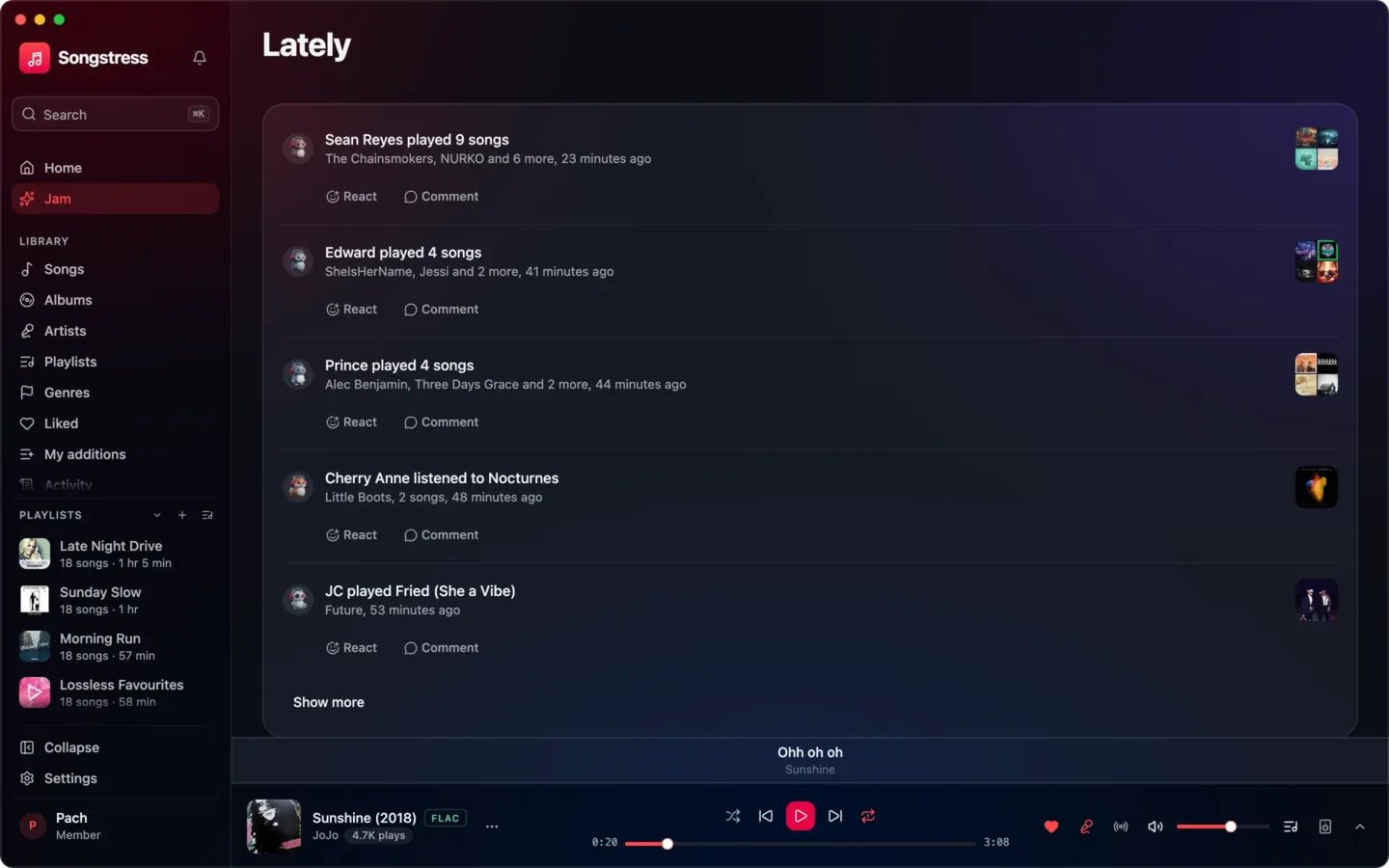
Lately shows the last 30 days: what people played, the titles they earned, each week's winner, and playlists they put on their profiles. React with an emoji, or Add a comment. You can edit a comment for 15 minutes, delete it, or report someone else's.
Block someone
On a person's page, choose More ▸ Block. You won't see each other's reactions or comments, and you can't jam together. To undo it, go to Jam settings ▸ Sharing ▸ Blocked people and select Unblock.