Android
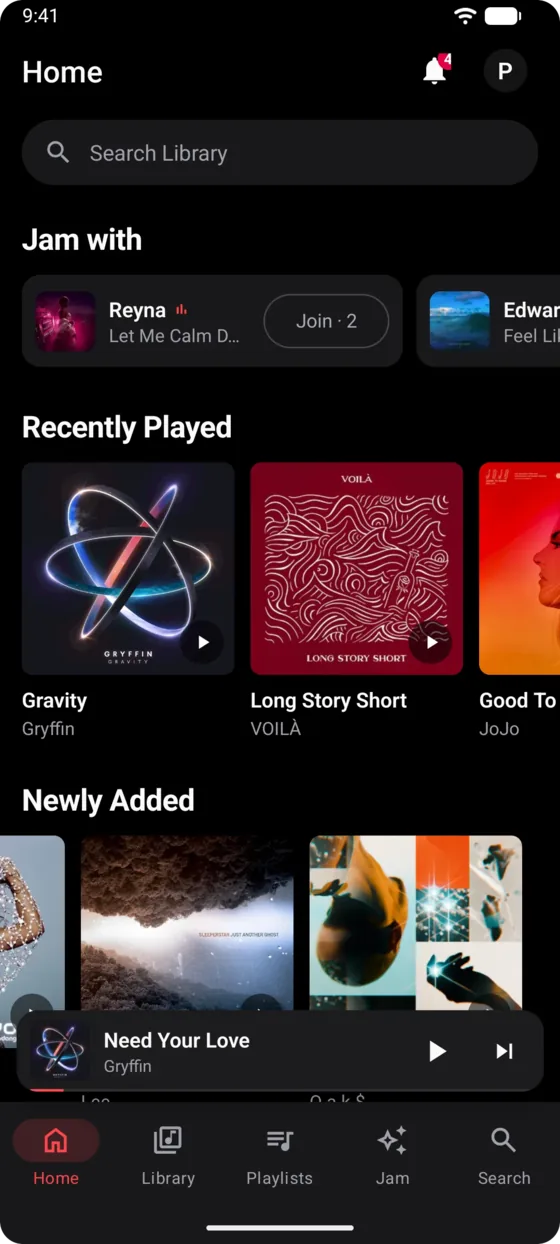
The Android app, with widgets, offline downloads and Android Auto.
Get it
The app is coming soon to Google Play. It runs on phones and tablets with a 64-bit ARM processor, which is nearly every Android phone made in recent years.
Sign in
- Open the app. The first screen is Connect to your server.
- Type your server's address with its port, like
http://192.168.1.20:8090, and select Test, then Connect. - Sign in with your email and password, or tap the QR icon to scan a code from the web or desktop app.
What it adds on Android
- Offline. Save songs, albums, playlists and artists. See Downloads and offline.
- Widgets. Now Playing, Recently Added, Playlists, Acquisition, Jam and Jam with.
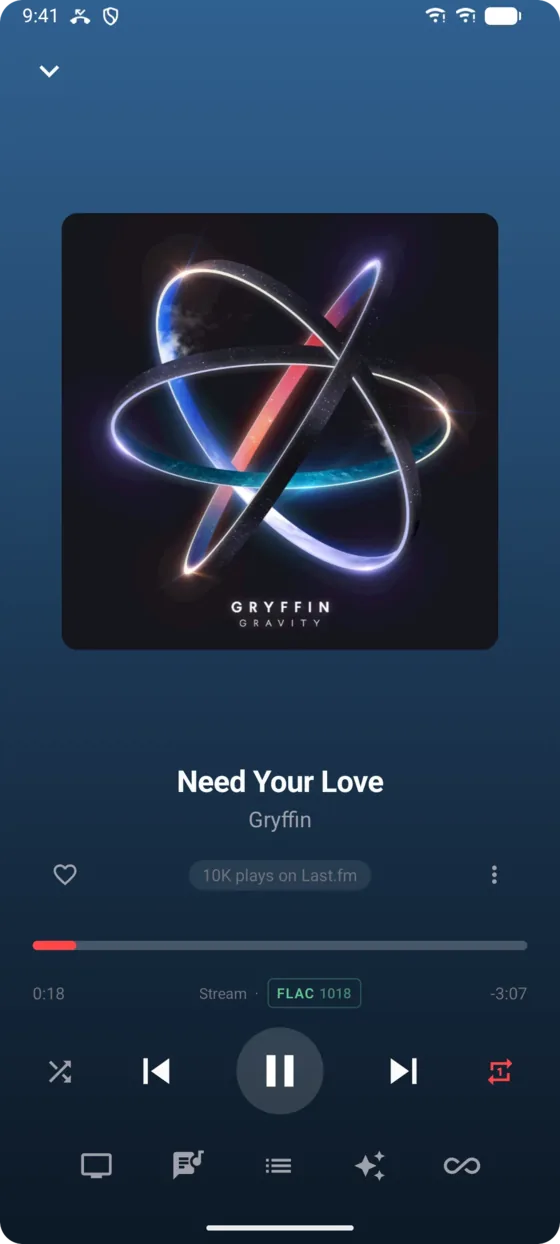
- The media notification. Play, pause and skip from the notification shade and the lock screen.
- Android Auto. See CarPlay and Android Auto.
On Android, Songstress always uses its dark look.