iPhone and iPad
One app for iPhone and iPad, with widgets, Siri, CarPlay and the Apple Watch.
Get it
The app is coming soon to the App Store. It needs iOS or iPadOS 17 or later.
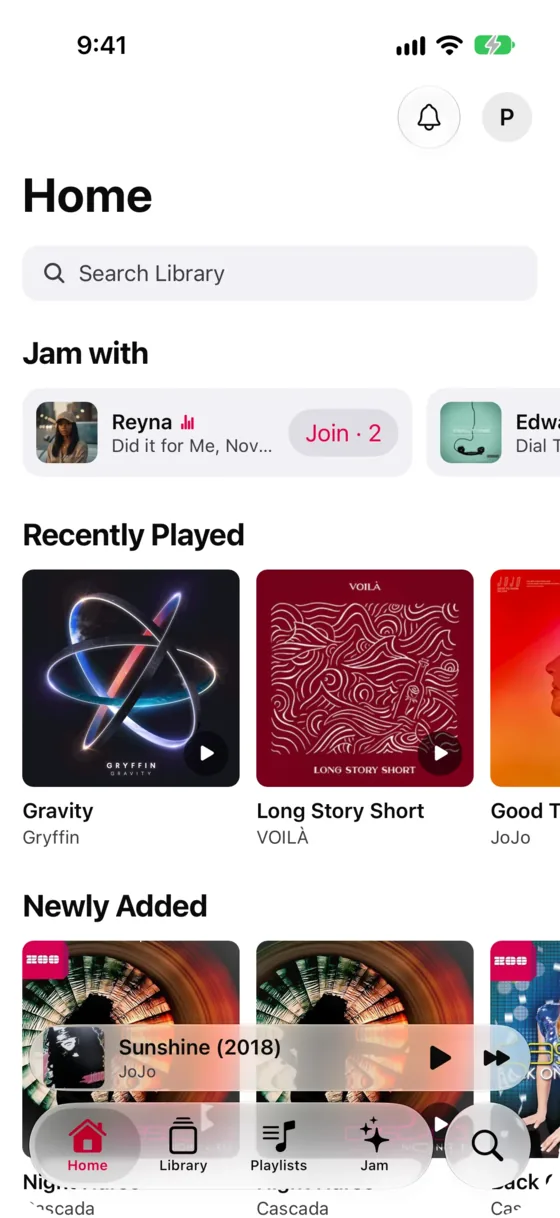
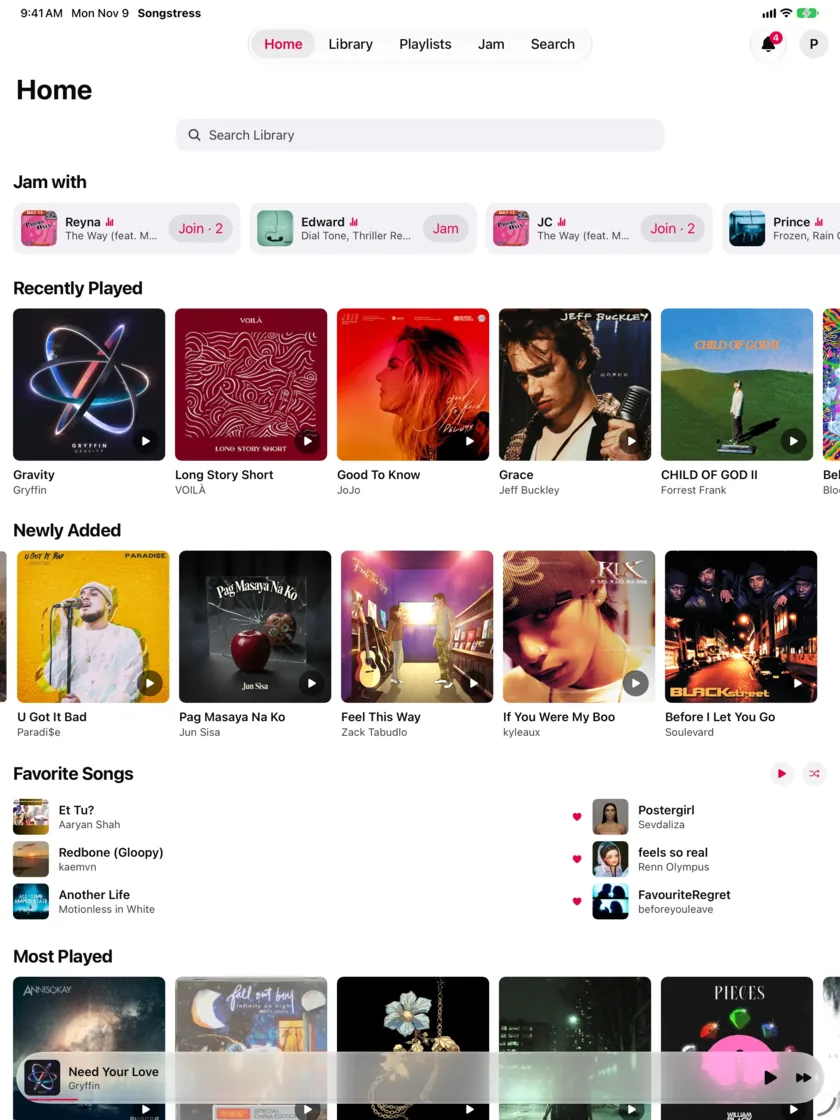
Sign in
- Open the app. The first screen is Connect to your server.
- Type your server's address with its port, like
http://192.168.1.20:8090, and select Test, then Connect. - Sign in with your email and password, or tap the QR icon to scan a code from the web or desktop app.
The first time you connect to an address on your home network, allow Local Network access. See Sign in from the apps.
What it adds on iPhone and iPad
- Offline. Save songs, albums, playlists and artists. See Downloads and offline.
- Widgets. On the Home Screen: Now Playing, Recently Added, Playlists, Acquisition and Jam. Jam fits the Lock Screen too.
- Siri and Shortcuts. Ask Siri to play something on Songstress, or use its shortcuts: Play Playlist, Play Liked Songs, Shuffle Library, Artist Radio, Track Radio, Like Song, What's Playing, Play Downloads and Continue Here.
- The Lock Screen and Control Center. Play, pause, skip, scrub, like, shuffle and repeat.
- Download progress on the Lock Screen, while songs save for offline. Turn it off in Settings ▸ Notifications.
- Apple Watch. See Apple Watch.
- CarPlay. See CarPlay and Android Auto.