Mac, Windows and Linux
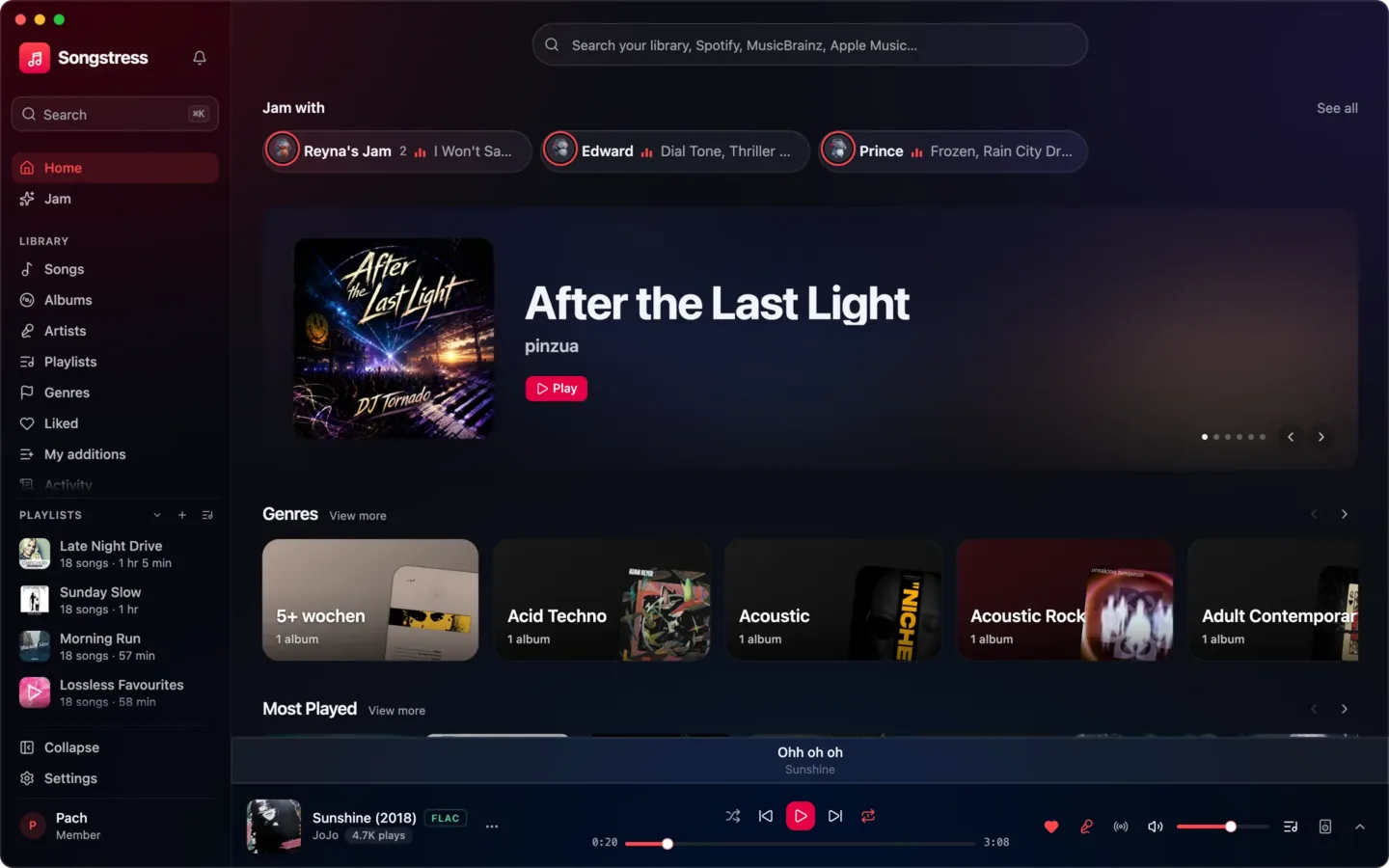
The desktop app, with downloads for offline, a mini player and your keyboard's media keys.
Get it
Download it from songstress.app/downloads.
| Computer | Download |
|---|---|
| Mac | One .dmg for Apple silicon and Intel |
| Windows | An installer (.exe), or an .msi package |
| Linux | An AppImage, a .deb or an .rpm, for 64-bit Intel and AMD |
On Windows
If Windows SmartScreen stops the installer, select More info, then Run anyway.
Sign in
The first screen is Connect to your server. Type your server's address with its port, like
http://192.168.1.20:8090, select Test, then Connect, and sign in. See
Sign in from the apps.
Updates
The app checks for a new version shortly after it opens. When one is out, it says so, with Restart & update. To check yourself, or to stop checking, go to Settings ▸ This device ▸ Updates.
The Mac app, the Windows installer and the AppImage update themselves. If you installed the .msi, .deb or
.rpm, download the new version when it's out.
The mini player
Select the Songstress icon in the menu bar or the system tray to open the mini player, which stays on top of your other windows. The icon's menu has Play, Next, Previous, Show Songstress and Quit Songstress.
- On a Mac, closing the window hides it and the music keeps playing.
- On Windows and Linux, closing the window quits, unless you turn on Close to tray in Settings ▸ This device ▸ Window.
Offline
Save songs, albums and playlists to listen without a connection. See Downloads and offline.