Library scans and damaged files
Keep the library in step with your music folder, and fix files that won't play.
Your music folders
Songstress reads the folders in your compose file: /music from MUSIC_DIR, and any others you list in
MUSIC_LIBRARIES. See Several libraries.
Every minute, Songstress checks it can still read and write each folder. If it can't, a notice and Settings ▸ About ▸ Diagnostics say what is wrong and how to fix it.
Scans
The first scan starts by itself when the server first starts. After that, go to Manage ▸ Library ▸ Library scan:
- Scan on a schedule scans once a day, at 05:00 unless you change it. It is on until you turn it off.
- Rescan all scans now. With several libraries, each has its own Rescan.
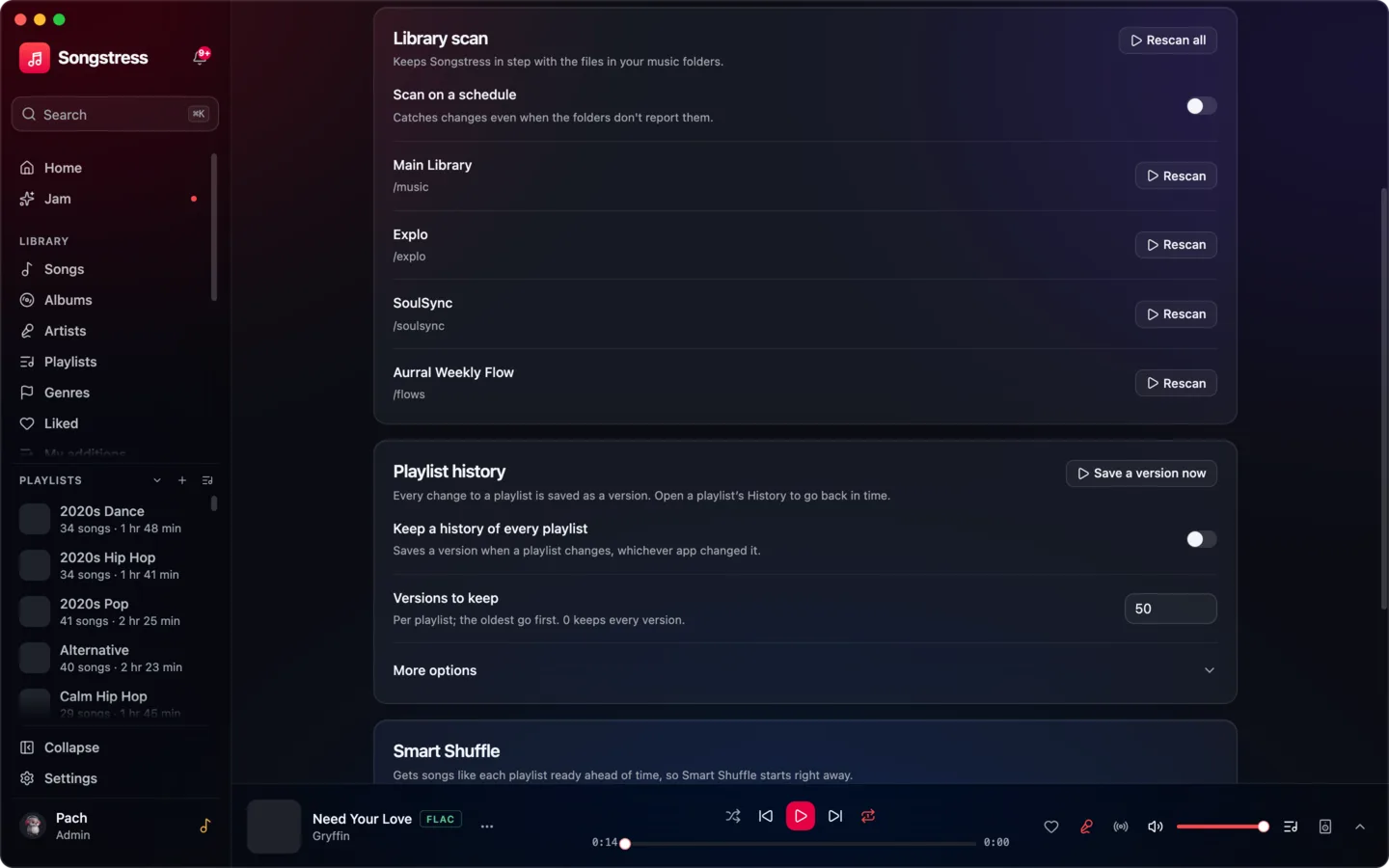
On the phones, it is Scan Now in Manage ▸ Library.
Damaged files
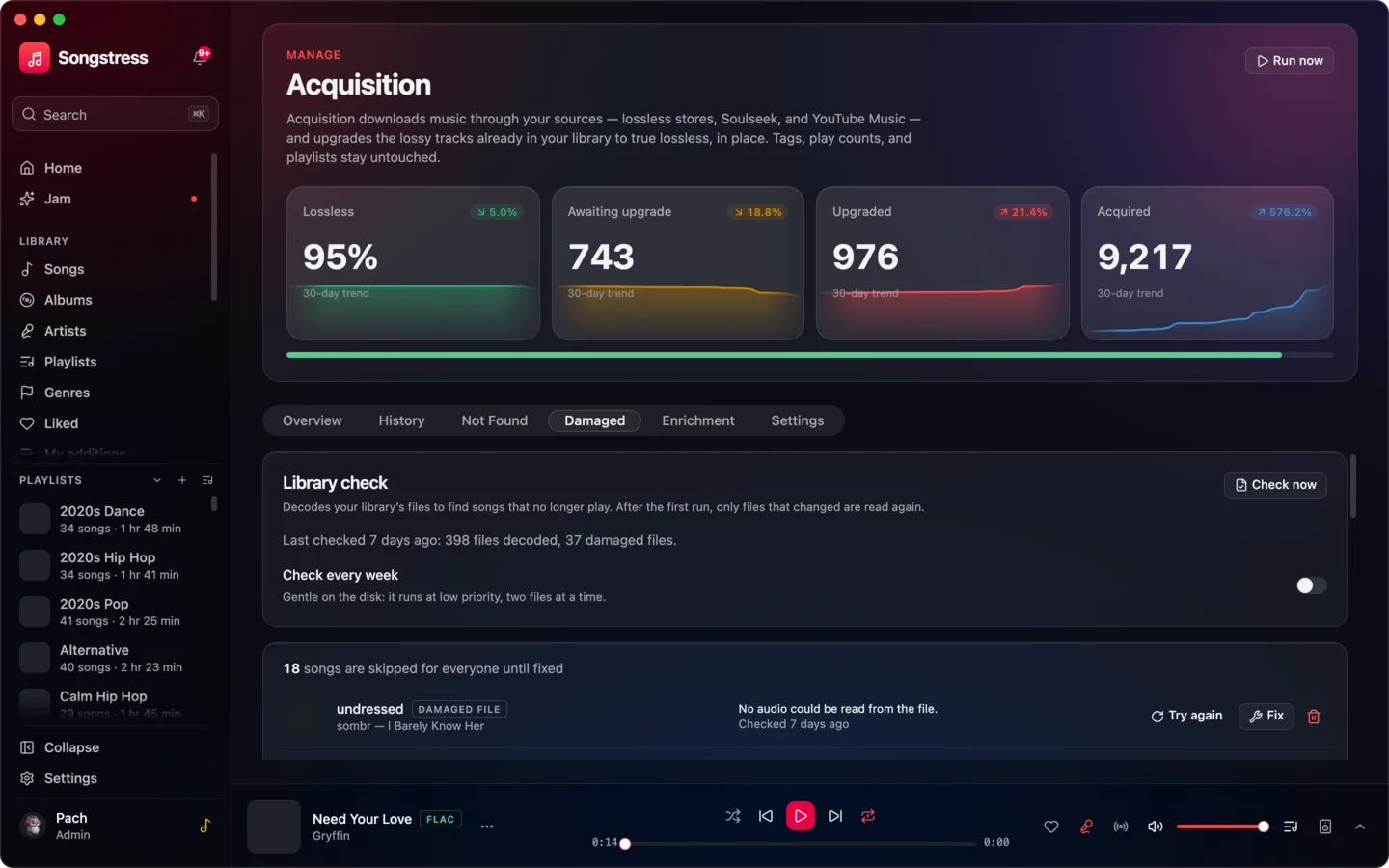
Songstress checks the library for files that won't play. On the web and desktop, they are on the Damaged tab of Manage ▸ Acquisition; on the phones, in Manage ▸ Damaged files.
- Library check runs every week, on Sundays at 02:30, and Check now runs it at once.
- For each damaged song, choose Try again, Fix (a good copy replaces the file, and the old one is kept), or Remove from library.
Storage
Manage ▸ Library shows each disk's space, and how much of the library each member added.