Sonic Analysis
Let your server listen to every song, so radio plays what sounds alike.
Songstress listens to every song in your library, so radio can play what sounds alike. It powers sound-alike radio, the Sound-alike playlists everyone gets, and each person's Your Sound playlist. Find it in Manage ▸ Sonic Analysis.
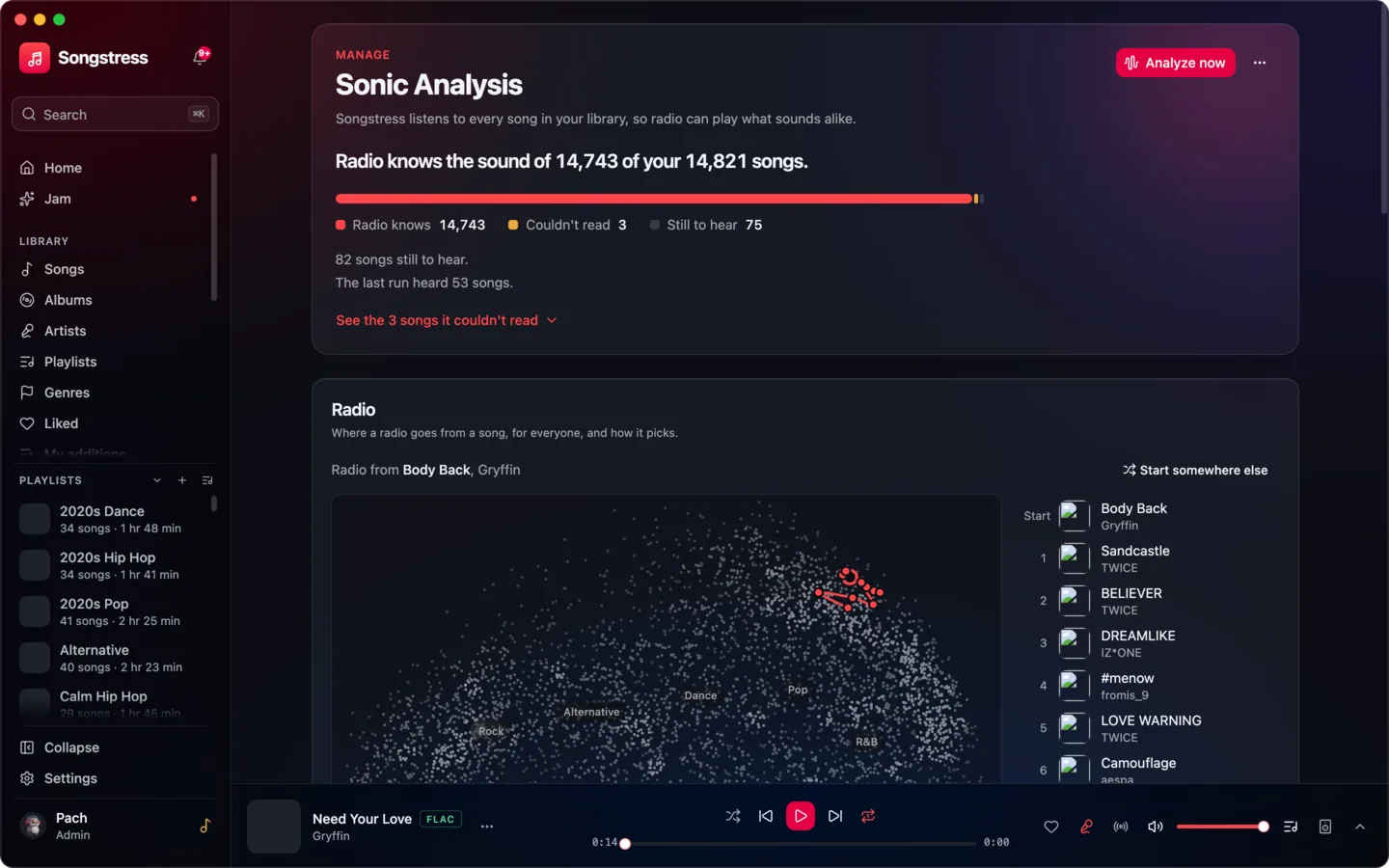
See how far it got
The page counts what Radio knows, what it Couldn't read, and what is Still to hear.
- Analyze now listens to what is left.
- From the ⋯ menu, Re-analyze everything starts over, and Stop pauses it.
Choose how it listens
- Listening: Automatic, Best quality or Light. Best quality hears more detail; Light is easier on a small server.
- Speed: Gentle uses a quarter of the processor, Balanced half, and Fast all of it, still behind everything else the server does.
- When to listen: When new music arrives, and On a schedule, at 03:00 unless you change it.
Shape the radio
- From song to song: Flow follows smoothly from one song to the next. Balanced, the default, stays close to where you started, with some turns. Variety takes more turns, still near where you started.
- Songs by one artist, at most: 3 unless you change it.
- Skip songs played recently: 48 hours unless you change it.
Playlists from sound makes playlists from how your music sounds, remade after each listen: the Sound-alike playlists for everyone, named for their genres and pace, and how many of them to make.