Get the most from Songstress
The habits that make Songstress better every week, in the order that pays off first.
Songstress gets better the more music it has to work with. Your server listens to every song you add, and radio, Smart Shuffle and the playlists it makes for you pick from your library by how songs sound. Every song you add is one more song radio can choose when it looks for the next one.
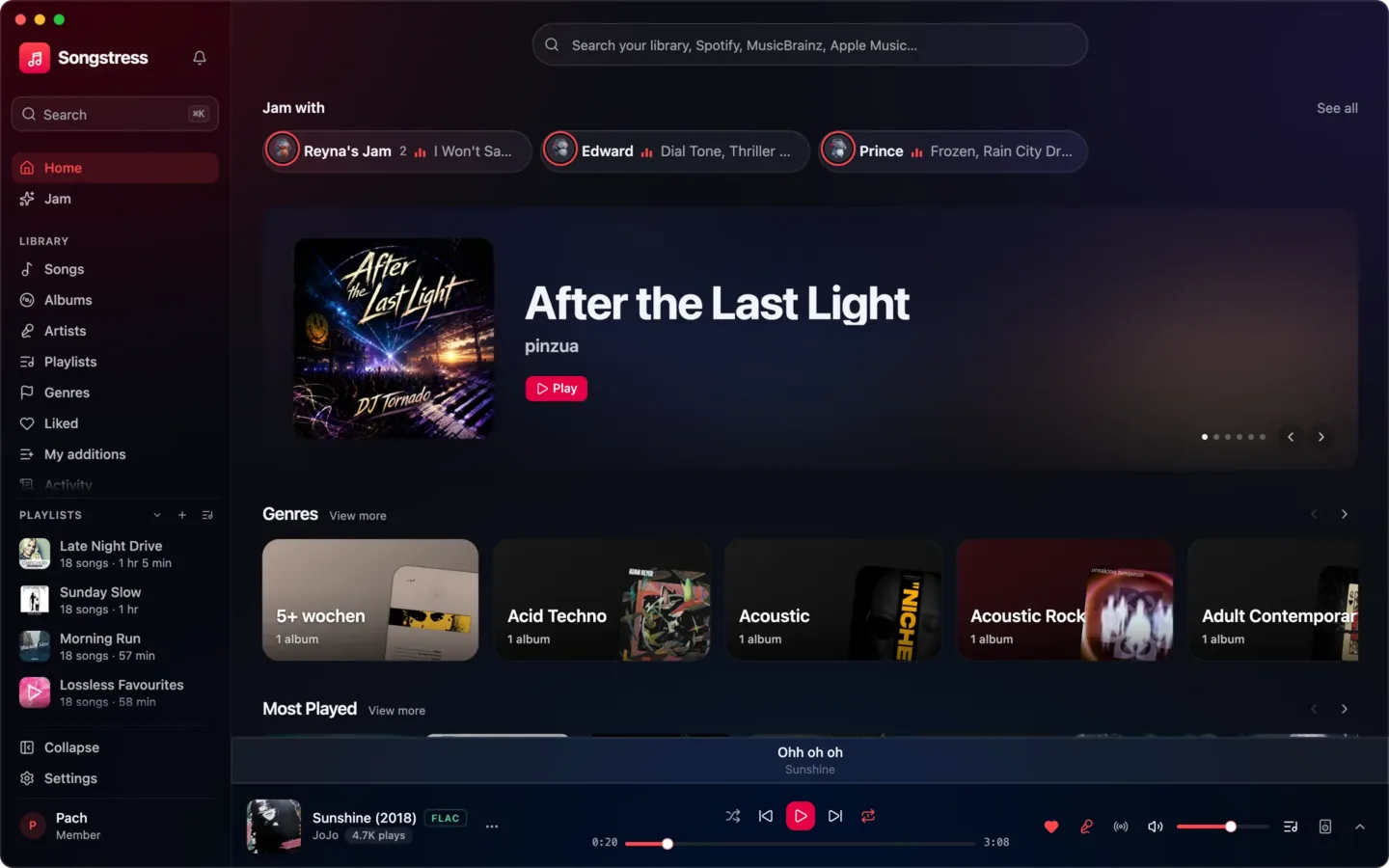
This manual is the order that works: fill the library first, keep it growing on its own, then let the habits below teach Songstress your taste.
Put every song you own in the music folder
Everything in your server's music folder is imported by itself, upgraded to lossless where it can be, and analyzed for its sound. Start with all of it. See Grow your library.
Bring your playlists and likes from Spotify and the rest
Move your playlists and liked songs from Spotify, Apple Music, Tidal or YouTube Music. Songstress matches each song to your library and fetches the ones you don't have yet. See Seed it from your services.
Follow the artists you love
Following an artist brings their music into your library, then every new release as it comes out. See Follow artists.
Ask an AI assistant for more
Connect Claude, ChatGPT or another assistant, then ask it for the albums you keep meaning to add. It searches the catalogues your server knows and adds what you pick. See Ask an AI assistant.
Listen in a way that teaches it
Use radio and Smart Shuffle, say Not for me to what doesn't fit, share in Jam, and download before you travel. See Habits that make it better.