Grow your library
Why more songs make radio and Smart Shuffle better, and how to get every song you own onto your server.
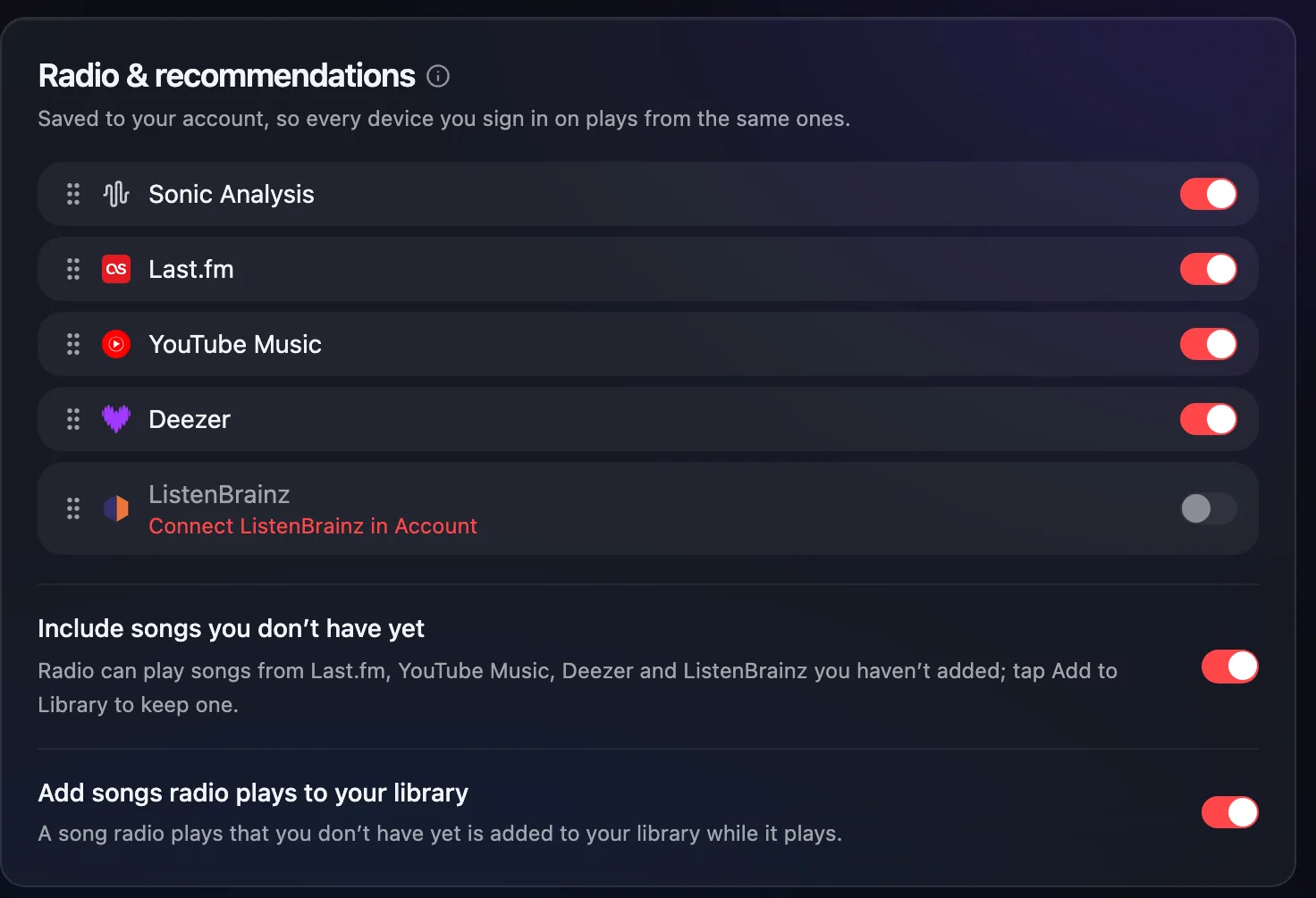
Songstress's radio has an ear of its own. Your server listens to every song in your library and keeps a fingerprint of how it sounds. When you start a radio, Sonic Analysis looks through your whole library for the songs that sound closest to where you started, then plays them in an order that flows. Radio, Auto DJ and Smart Shuffle draw on it, beside the other sources you choose in Settings ▸ Playback ▸ Radio & recommendations.
So the size of your library is the size of that choice. Add the albums you own, the ones you used to stream, and the artists you follow, and radio has more songs to find the next one in.
Put everything in the music folder
Your server imports whatever is in its music folder, by itself. There is no import button to press.
Copy your music into the folder
Use any layout you like. Songstress reads each song's tags, not its file name, so a folder of albums, a folder of loose files and a folder per artist all work.
Let the import run
At the first start, the setup's Your music folder step shows the import as it goes, then what it found. After that, new songs come in with the daily scan. To bring them in now, select Look again in Manage ▸ Library.
Name the songs it couldn't
Songs whose tags say too little are looked up by their folder, file name and length. Any that still can't be named wait under Songs that couldn't be identified in Manage ▸ Library, where you pick the right match or type the details yourself. Your files are never changed.
See Your music folder for permissions, upgrades and restoring originals.
Let it upgrade to lossless
Songs below your quality target are upgraded through Acquisition, and the file you had is kept for good in a hidden .songstress-upgrades folder. If you'd rather keep your files as they are, turn off Upgrade songs from your music folder in Manage ▸ Acquisition ▸ Settings.
Let it listen to every song
Sonic Analysis listens to new music as it arrives, and on a schedule at 03:00. Manage ▸ Sonic Analysis shows how many songs Radio knows, and Analyze now listens to what is left. A song radio doesn't know yet can still play, but radio can't find it by its sound until it's analyzed.
See Sonic Analysis for how it listens and how to shape the radio.
Keep adding
The fastest ways to grow the library after the first import:
- Bring your playlists and likes from Spotify and other services.
- Follow artists, so their new releases arrive by themselves.
- Search for anything and select Add to your library.
- Ask an AI assistant to find and add music for you.