Follow artists
Follow the artists you love, and their music, then every new release, arrives in your library by itself.
Following an artist is how a library keeps growing without you. Songstress brings the artist's music into your library, then watches for new releases and brings each one in as it comes out.
Follow an artist
Open the artist
Search for the artist, or open them from a song or an album. Artists you don't have in your library yet open too, from the services your server searches.
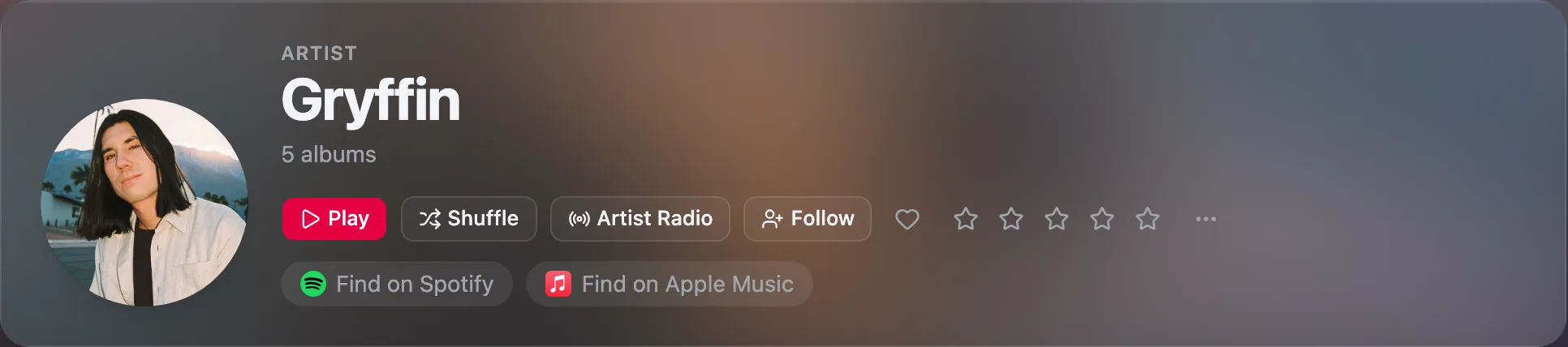
Let their music arrive
- When an admin follows, the whole discography comes in at once.
- When a member follows, it also comes in at once, unless an admin has set a daily limit for adding music. Then it arrives a few songs a day, within that limit.
New releases arrive the same way, for as long as you follow.
Follow a playlist's artists
On a playlist you made, select Follow. Songstress follows every artist on it, and any artist added to it later. Admins can follow the artists of any playlist.
This works well with a playlist you brought in from Spotify: one follow covers every artist you listened to there.
Stop following
Select Following on the artist or the playlist. The songs already in your library stay.
Seed it from your services
Bring your playlists and liked songs from Spotify, Apple Music, Tidal or YouTube Music, and let Songstress fetch what you don't have.
Ask an AI assistant
Ask Claude, ChatGPT or another assistant to find music, add it to your library, import playlists and follow artists for you.